
Key Points
Key Takeaways
- 1
Fighting with just Copilot is over: 'AI-Native IDEs' where the entire editor is AI-driven have become the standard.
- 2
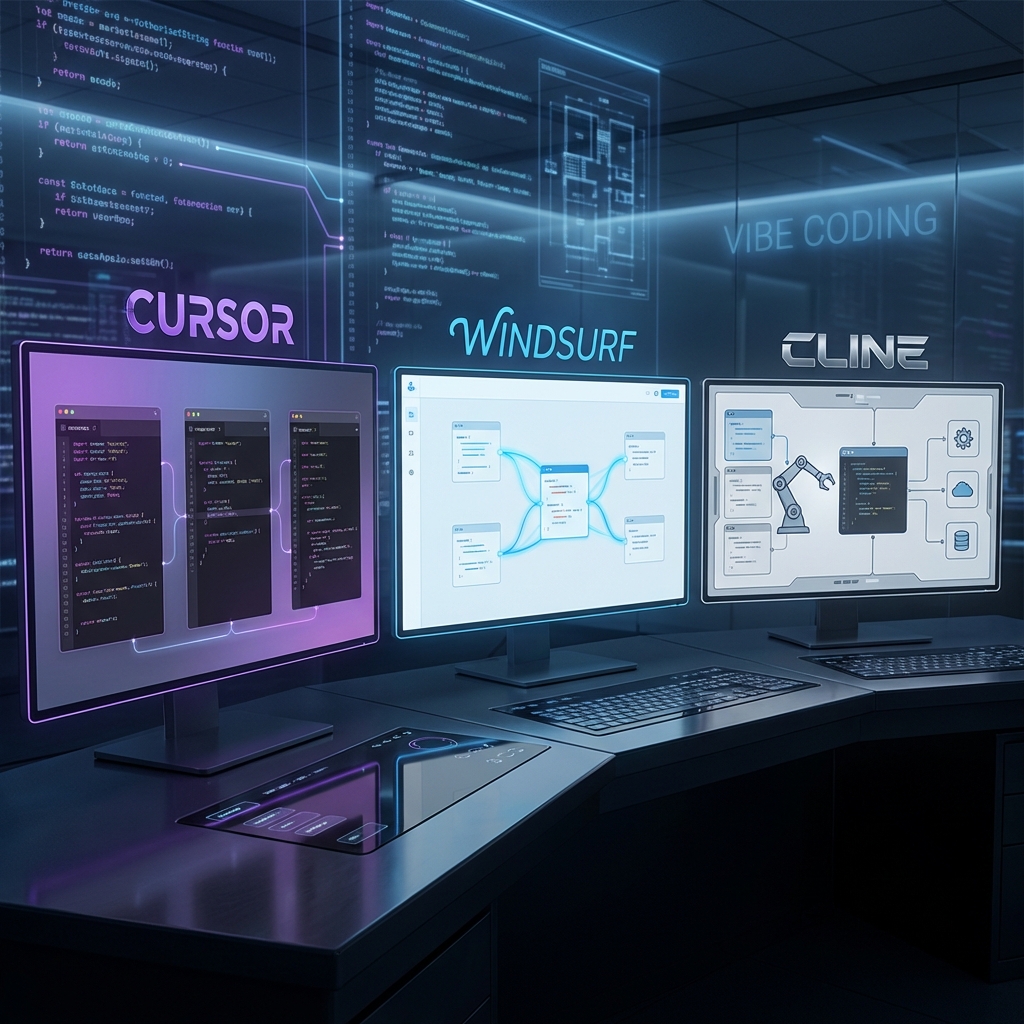
Cursor: The overwhelming market leader. The 'Composer' experience of editing multiple files simultaneously is magical.
- 3
Windsurf: A latecomer rapidly gaining share with its 'Flow' context engine and deep 'Cascade' understanding.
- 4
Cline (formerly Claude Dev): The optimal solution for those who don't want to abandon VS Code. Full support for local tools via MCP.
- 5
Vibe Coding: A new development style where you convey 'intent' rather than writing code yourself.
Introduction: What is “Vibe Coding”?
In 2026, a new term was born in the engineering world: “Vibe Coding”.
This is a style where humans focus on directing the “Vibe” (atmosphere, intent, design) of “how it should move” and “what experience to create,” leaving the details of syntax and implementation to AI. It spread from Elon Musk’s remark about “developing by feeling without writing code,” but it is now a crucial skill for professional developers as well.
To realize this style, mere “code completion” is not enough. You need an “Agentic IDE” that understands the entire project, autonomously edits files, and executes commands.
1. The King: Cursor
The undisputed champion of the AI editor world. Being a fork of VS Code means zero migration cost, which is a significant strength.
Killer Feature: Composer (Cmd+I)
Cursor’s true value lies not in its chat but in “Composer”. You control the entire editor from a single popup window.
Use Case: Bulk Design System Changes
Prompt: “Change the primary color from blue to purple. Update all related Tailwind configs, CSS variables, Button components, and Storybook files.”
Just by typing this, Composer identifies relevant files (5-10 files) in the project and rewrites them simultaneously and in parallel. The human only needs to review the diffs and hit “Accept All”.
2026 Evolution: Integration with local LLMs (Ollama) has become standard, allowing Composer features to be used without sending sensitive data to the cloud.
2. The Sage’s Choice: Windsurf
Developed by Codeium, this is Cursor’s biggest rival. Its unique context engine called “Flow” is its standout feature.
Killer Feature: Cascade
While Cursor requires the user to select files (@Files), Windsurf’s Cascade excels at “AI going to find the files itself”.
Use Case: Bug Investigation
Prompt: “I’m getting a 500 error on the login screen. Investigate the cause.”
Cascade autonomously takes the following actions:
- Reads server log files
- Identifies code around the error
- Jumps to definitions of referenced auth libraries
- Reports “JWT expiration setting is wrong” and proposes a fix
Deep Understanding: Because the AI understands variable definitions and references, “Hallucinations” (fake code) are extremely rare.
3. Wings of Freedom: Cline (with VS Code)
“I don’t want to change my familiar VS Code settings and extensions.” For you, the answer is the open-source VS Code extension Cline.
Killer Feature: MCP (Model Context Protocol)
Cline fully supports MCP. This allows you to operate external tools directly from the editor.
Browser Control (Puppeteer)
Instruct it to 'Open localhost:3000, click the button, and take a screenshot', and it will test exactly that.
Database Operations (PostgreSQL)
Connect directly to the DB, check current table definitions, then create and execute SQL queries.
Slack Integration
Say 'Post this error log to the team channel', and it notifies via Slack API.
File System Control
Organizing folder structures or splitting and saving huge log files is a breeze.
4. Thorough Comparison: The Big 3 Report Card
| 項目 | Cursor | Windsurf |
|---|---|---|
| Multi-file Editing | ◎ (Blazing Fast) | ○ (Careful) |
| Code Understanding | ○ | ◎ (Deep) |
| Extensions (MCP) | △ (Proprietary) | △ (Proprietary) |
| Cost | $20/mo | $15/mo |
5. Which Should You Choose?
I want to build products fast
Don't hesitate, choose <span class='marker'>Cursor</span>. Composer's destructive power is the ultimate weapon for MVP development. If it's 'Speed over Quality' phase, this is the only choice.
I have an existing large codebase
<span class='marker'>Windsurf</span>. Its ability to untangle complex dependencies shines in refactoring and legacy code overhaul.
I want to try latest models / Love customization
<span class='marker'>Cline</span>. You can switch models whenever new APIs like Claude 3.7 or GPT-5 come out. Creating your own agent with MCP is also attractive.
Deep Dive: Optimization of Native Context and RAG Loops
The difference in performance of IDEs in 2026 appears in how they handle context (circumstances).
- Native Context: A method like Cursor’s, where by forking the core part of the editor, information such as cursor history and LSP (Language Server Protocol) is directly fed into the LLM, not just the currently open files.
- RAG Loop: A method in large projects where relevant code snippets are searched (vector search) and dynamically inserted into the prompt. Excellent IDEs realize the “miracle” of considering and fixing bugs in adjacent files even without instruction, by seamlessly combining these.
Conclusion: Polish Your “Vibe”
“If AI writes code, won’t engineers become obsolete?” No, it’s the opposite.
Now that you can have three “super-competent subordinates” (Cursor, Windsurf, Cline), the value of the engineer as a director is higher than ever.
The “aesthetic eye” to give them precise instructions (prompts) and judge the quality of the output (code). That is the most important skill required of engineers in 2026.





⚠️ コメントのルール
※違反コメントはAIおよび管理者により予告なく削除されます
まだコメントがありません。最初のコメントを投稿しましょう!