
Introduction
Have you ever had an experience like this in a programming field? While editing multiple files at the same time, you lose track of where you made changes. When an error occurs, it takes hours to pinpoint the cause. Even if you ask an AI assistant a question, it doesnt understand the context of the entire project and gives irrelevant suggestions.
Working in actual development fields, these small stresses can accumulate, and coding work, which should essentially be creative, can become mere labor. Especially since AI coding assistants appeared, many people have been troubled by the gap between expectation and reality.
Under such circumstances, Windsurf, developed by Codeium, appeared. Not just a code completion tool, it is an AI-native IDE that understands the flow of the developers thoughts and grasps the entire project, working like an excellent pair programmer. In this article, lets look in detail at how Windsurf changes the development experience.
Official launch announcement by Windsurf AI (formerly Codeium). The vision as a next-generation AI-native IDE is discussed.
Essential Value of AI-Native Development Opened by Windsurf
Traditional coding tools were something that provided support after the fact to code written by humans. Features like autocomplete, code search, and debugging tools - all existed as sidekicks to assist human work.
Windsurf fundamentally changes this relationship. It is designed so that AI functions not as a sidekick but as an equal partner with the developer. If you edit a file, Windsurf remembers that change. If you run a command in the terminal, it understands the context. Content copied to the clipboard is also utilized in the next suggestion.
In other words, Windsurf understands what you are trying to do and helps you by anticipating. This is not just a productivity improvement tool, but an attempt to redefine the development experience itself. Programming changes from the work of writing code to the experience of shaping ideas while interacting with AI.
- Programming beginners who are anxious about how to write code - People who have a hard time grasping the relationship between multiple files in large-scale projects - People who cant concentrate on creative parts because they take time for repetitive work - People who use AI tools but feel stressed that they dont understand the context
Detailed Review of Windsurf: Innovative Features Centered on Cascade
Cascade: New Development Experience Brought by AI Agent
The greatest feature of Windsurf is the AI agent feature called Cascade. It starts just by pressing Cmd L and a chat panel is displayed on the right side of the screen. At first glance it looks like a normal AI chat, but its ability is distinguished from traditional tools.
Cascade has two modes: “Write Mode” and “Chat Mode.” Write Mode is a fully automatic mode that automatically creates, edits, and debugs the entire project. When you enter a prompt, Cascade generates all necessary files, writes code, runs tests, and automatically fixes any errors that occur. Some actual users have raised voices of surprise such as “An app was completed with one prompt.”
On the other hand, Chat Mode is a more interactive approach. Cascade generates code and explanations, and the developer proceeds while confirming and approving. The degree of automation is about 50%, suitable for projects where finer control is needed.
The true innovation of Cascade lies in real-time “context understanding.” If you edit a file, Cascade recognizes that you have that file open. If you run a command in the terminal, it remembers the history. Content copied to the clipboard is also reflected in the next suggestion. In other words, you don”t need to specify “Look at this file” or “Fix this part” every single time.
Supercomplete: “Proactive” Completion Beyond Prediction
Traditional code completion predicted the words or function names you would likely enter next. Windsurf”s “Supercomplete” greatly exceeds that concept.
Supercomplete suggests not just the next line, but the entire code block, “and even the next step of development. Just by pressing ⇥ , it suggests a series of tasks from defining API endpoints to creating test code and further creating database models.
With this feature, “developers become able to concentrate on “what they want to realize” rather than “what to write.”
Command Mode: Instant Fixes and Adjustments
Pressing Cmd I launches an inline editor. Just by selecting a specific part of code and giving instructions like “Refactor this part” or “Add error handling,” fixes are reflected immediately.
The same can be used in the terminal. When an error occurs, “if you press Cmd I in the terminal and give an instruction like “Resolve this error,” Cascade identifies the cause and suggests a fix command.
Memory and Learning: Adapting to Your Development Style
Windsurf has a “Memory” feature. It automatically remembers coding conventions used in the project, frequently used libraries, past conversation contents, etc. You can also set rules manually, and instructions like “Always write in TypeScript” or “Comments should be in English (if target lang is en)” can be saved.
With this, you don”t need to repeat the same instructions every time you open a project. Windsurf learns your “development habits” and optimizes suggestions accordingly.
Preview and Deploy: Shortest Distance from Code to Working App
When doing Web development, Windsurf”s “Preview” feature is very convenient. When you edit code, the UI is displayed in real-time within the IDE. Furthermore, if you click a displayed UI element, the corresponding code is automatically highlighted, and it suggests “Do you want to change here?”.
Deployment is also surprisingly easy. Just by clicking the “Deploy” button, the app is published. Writing configuration files and running CLI commands are not necessary. It”s useful when you want to try prototypes quickly or show a demo to a client.
Windsurf is an excellent tool, but it’s not perfect. There are some points to note.
- Credit System : There are limits with 25 credits/month for the Free plan and 500 credits for the Pro plan.
- Response Speed : In complex projects, response can take time.
- Legacy Systems : In codebases exceeding several tens of thousands of lines, context understanding may become insufficient.
- Support System : Especially, there are reports that response to Free plan users is slow.
Windsurf vs Cursor: Thorough Comparison of Two Major AI Editors
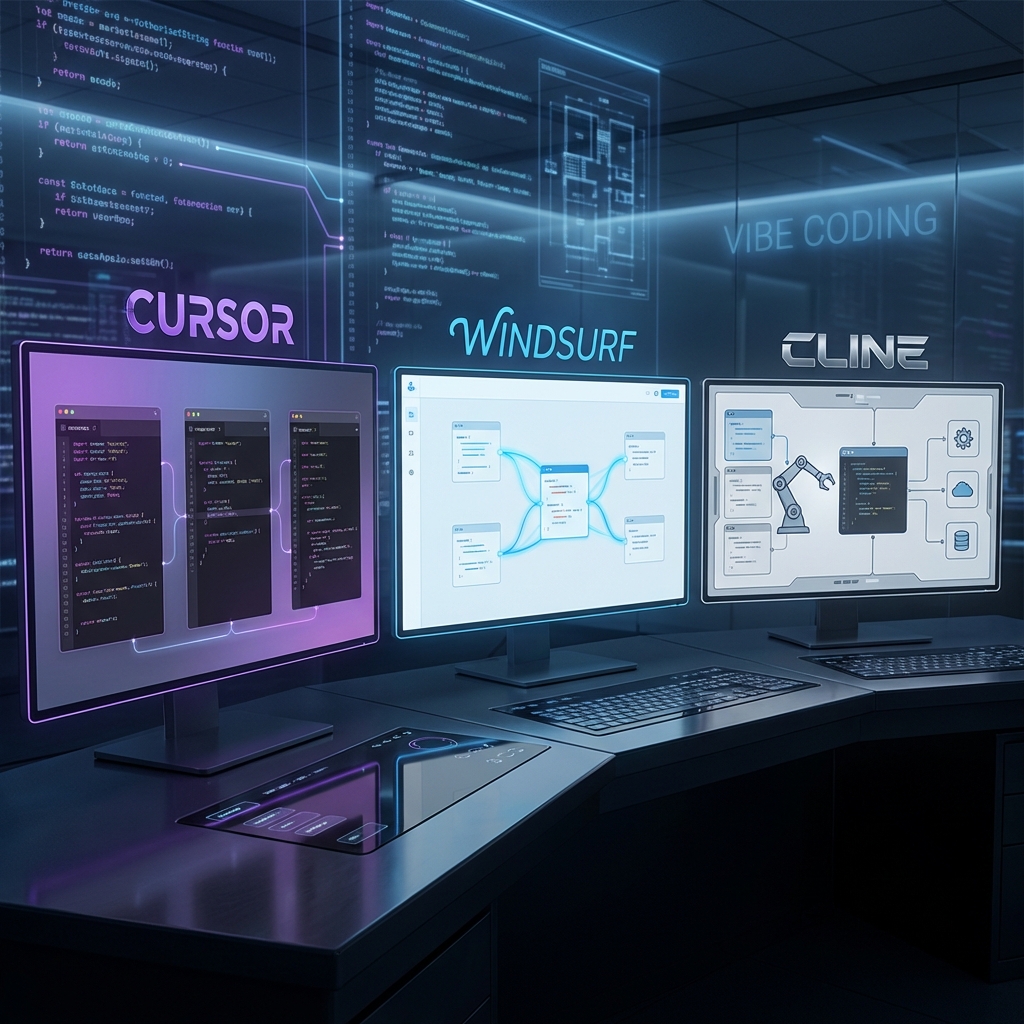
In the world of AI-equipped code editors, “Windsurf and Cursor reign as the two giants. Comparing the two makes the position of Windsurf clearer.
Comparison in Terms of Price
| 項目 | Windsurf | Cursor |
|---|---|---|
| Free Plan | 25 credits/month | 2,000 basic completions + 50 advanced requests/month |
| Individual Plan | $15/month (500 credits) | $20/month (unlimited) |
| Team Plan | $30/user/month | $40/user/month |
Windsurf has an advantage in terms of price, especially the team plan is $10 cheaper than Cursor. However, attention must be paid to the point that it is a credit system. While Cursor has clarity of “unlimited,” Windsurf may require additional purchases depending on usage.
Comparison in Terms of Features
Superiority of Cascade The greatest strength of Windsurf is the “agent feature” of Cascade. The feature to automatically select files, run commands, and edit multiple files, was pioneered by Windsurf.
Refinement of UI/UX Many users point out the beauty of Windsurf”s UI. Some say “It”s like comparing products from Apple and Microsoft,” and refined design down to details is the feature. On the other hand, Cursor is more multifunctional, but its interface is complex as a result, and the learning curve is steep.
Quality of Code Generation Since both use Claude 3.5 Sonnet as the main model, there is no big difference in the quality of code generation. However, Windsurf excels in context understanding of the entire project, and there is an evaluation that accuracy is high in large-scale projects.
Deploy and Preview Features Windsurf just needs a click of the “Preview” button, and the server starts, and live preview is displayed. Furthermore, that server is active throughout development. Cursor also has MCP and extension features, but it is not as easy as Windsurf.
Friendliness to Beginners vs for Power Users Windsurf emphasizes that it is “intuitive and anyone can use,” and is evaluated as being able to make an app in a few hours even for those with no programming experience. On the other hand, Cursor allows for finer control, and is a tool with a high degree of freedom for experienced developers.
”Development Flow Reform” Brought by Windsurf
Windsurf doesn”t just help write code. It has the potential to change the “way of working” of developers itself.
- Impact on Mentality : You are released from errors and “technical trivialities” and can concentrate on creative parts.
- Impact on Efficiency : Reduces context-switching costs, allowing you to perform more essential development work in the same amount of time.
- Impact on Team Collaboration : Progresses “democratization of knowledge,” allowing designers and PMs to also make prototypes.
- Learning Effect : AI functions as a “pair programmer” always next to you, lowering the learning hurdle.
However, no matter how excellent AI becomes, final design judgment and questions like “what should be made” are still entrusted to humans. Precisely because it is the AI era, rather than how to use specific languages or tools, more universal “philosophy as an engineer” will be questioned.
おすすめ書籍紹介
Precisely because it is an era when AI writes code, understanding 'attitude' and 'principles' as an engineer becomes a differentiation factor. A book packed with universal wisdom for mastering the powerful tool called AI.
Checkpoints Before Introduction
Before introducing Windsurf, there are some points you should check.
- System Requirements : Corresponds to macOS, Windows, Linux. Many VS Code extensions can be used.
- Security : There is a “Zero Data Retention” option that does not use user data for learning.
- Credit Management : Proper use of models and proper use of Write Mode and Chat Mode are important.
- BYOK : Bringing your own API key is possible.
Introduction Steps and Tips for Initial Setup
Introduction of Windsurf is very easy. You can start using it in a few minutes with the following steps.
Step 1: Download and Install
Access the official site (https://windsurf.com/download), and download and install the installer suitable for your OS.
Step 2: Account Creation and Free Trial
When you start Windsurf, you are prompted to create an account. You can sign up with an email address or GitHub account.
New users are provided with a 2-week Pro trial. During this trial period, 100 prompt credits and all premium features can be used. Register from this invitation link” and start next-generation coding experience. You can consider transitioning to a paid plan after trying it sufficiently in the free trial.
Step 3: Importing Existing Project and Initial Setup
Just by opening an existing project from “File” -> “Open Folder,” it is automatically indexed.
Recommended Initial Settings :
- First Use of Cascade : Try asking “Explain about this project.”
- Memory Settings : Register language versions and coding conventions.
- Creating
.codeiumignore: Excludenode_modules, etc., to speed up indexing.
Summary
Windsurf is a true AI-native IDE beyond a mere code completion tool. Context understanding capability of Cascade, proactive completion of Supercomplete, real-time preview, one-click deploy. By combining all these, it changes from the work of “writing code” to an experience of “shaping ideas in collaboration with AI.”
The world of development is now facing a major turning point. AI is becoming not just a “tool” but an “equal partner” of the developer. Windsurf is one of the products that embodies that future.
If you feel even a little stress in your daily coding work, please try the free trial of Windsurf. Utilize this invitation link” and try revolutionizing your development style in the 2-week trial period.
For Further Increasing Efficiency
To master AI agents, learning the technology behind them and how to give effective instructions through prompts is a shortcut. Not just “leaving it to the tool, sharpen your skills to “ride” the AI.
おすすめ書籍紹介
A guide that logically explains how to utilize tools such as Windsurf and Cursor not just as mere code completion tools but throughout the entire development lifecycle. Perfect for those who want to establish an AI-native development style.





⚠️ コメントのルール
※違反コメントはAIおよび管理者により予告なく削除されます
まだコメントがありません。最初のコメントを投稿しましょう!