
Key Points
Key Takeaways
- 1
Fusion of AI Generation and Creative Tools is 2026 Standard
- 2
RTX 5080 or higher GPU essential: AI generation speed 3x compared to previous generation
- 3
Wacom vs iPad Pro: Selection by use case (Serious production vs Mobile)
- 4
Completely solve color shift between print and Web with color management
- 5
NVMe Gen4 SSD reduces preview wait time of 4K video editing by 90%
Introduction: Era of AI x Creative Fusion
In 2026, for creators, AI became not ‘Enemy’ but ‘Strongest Partner’.
It is era where production time is compressed to 1/10 by combining manual work with AI generation tools like Midjourney, Runway, and ElevenLabs, while quality conversely improves.
Content explained in this article:
- GPU Selection : Graphic card optimal for AI processing
- Pen Tablet vs iPad Pro : Optimal solution for digital pen environment
- Color Management : Guarantee reliability of RGB values
- Storage Strategy : Management technique of huge AI generated assets
- AI Integration Workflow : Photoshop + Midjourney example
Target Audience : Designers, Illustrators, Video Editors, 3D Artists, Content Creators
1. GPU: Heart of AI Generation
RTX 5000 Series vs AMD RX 8000
In 2026, GPU selection directly influences productivity of creative work.
| 項目 | RTX 5080 | AMD RX 8900 XT |
|---|---|---|
| Stable Diffusion Speed | 2.3 sec/image | 4.1 sec/image |
| Davinci Resolve | ◎ | ○ |
| Adobe Integration | CUDA Optimized | OpenCL |
| Price | ¥150K | ¥120K |
Conclusion : NVIDIA RTX 5080 or higher recommended
Reason:
- CUDA : Adobe, Blender, Runway all optimized
- Tensor Cores : AI generation 3x faster than previous generation
- VRAM : Midjourney local execution possible with 16GB or more
VRAM Shortage is Fatal : If 12GB or less, memory error occurs frequently in AI generation. Secure at least 16GB.
2. Notebook PC for Creators
ZenBook Duo vs MacBook Pro M4 Max
Asus ZenBook Duo (2026)
Equipped with dual OLED display (2x 14 inch 3K 144Hz). Intel Core Ultra X9 388H + Arc B390. Memory 32GB, Storage 2TB. Dual screen environment that demonstrates true value in creative work.
ZenBook’s Superiority for Creators :
- Dual Display : Upper screen = Preview, Lower screen = Timeline
- Pen Support : Direct drawing possible on lower screen
- GPU : Arc B390 (equivalent to RTX 4060) supports AI generation
- Cooling : Long time rendering stable with dual fan
MacBook Pro M4 Max is also option but:
- Advantage : Final Cut Pro optimization, battery 32 hours
- Disadvantage : CUDA not supported (Inferior speed in Adobe system)
3. Pen Tablet Environment
Wacom Cintiq Pro 27 vs iPad Pro M4
Wacom Cintiq Pro 27 Liquid Crystal Pen Tablet
27 inch 4K liquid tab. 8192 levels pressure sensitivity. Adobe RGB 99% coverage. Latency less than 1ms with Wacom Pro Pen 3. Definitive edition of full-scale digital painting environment.
Apple iPad Pro 13 inch (M4)
Ultra Retina XDR display (Tandem OLED). Procreate, Affinity Designer works crisply with M4 chip. Supports Apple Pencil Pro. Highest peak of mobile creative.
Recommendation by Use Case :
| Use Case | Recommended Device | Reason |
|---|---|---|
| Illustration (Serious) | Wacom Cintiq Pro 27 | Pressure 8192 levels, Large screen |
| Mobile Work | iPad Pro M4 | Portability, Procreate app |
| 3DCG | Wacom (PC Connect) | Blender, Maya support |
| Rough Sketch | iPad Pro | Launch immediately, Apple Pencil |
Dual Wielding : Wacom at desk, iPad Pro when going out is ideal. Can align both with budget 500,000 yen.
4. Color Management Monitor
Eradicate Color Shift between Print and Web
“Beautiful on screen, but color is different when printed” -> Color management monitor solves this.
BenQ SW272U Color Management Monitor
27 inch 4K IPS. Adobe RGB 99%, DCI-P3 99% coverage. Hardware calibration supported. Unevenness correction function equipped. Realizes professional environment with shading hood included.
Decisive Superiority of SW272U :
- Color Gamut : Adobe RGB 99% (For Print) + DCI-P3 99% (For Video)
- Hardware Calibration : Direct adjustment of LUT with external calibrator
- Unevenness Correction : Guarantees uniformity of color and brightness on whole screen
- Shading Hood : Completely blocks influence of external light
Calibrator Recommendation : X-Rite i1 Display Pro (30,000 yen)
ROI : Redoing of print color proof reduced by 90% in color management environment (measured). Time and cost significantly reduced.
5. Storage Strategy
NVMe SSD: Essential Infrastructure for 4K Video Editing
4K60fps video is 1GB per minute . Without proper storage strategy, it punctures immediately.
Samsung 990 Pro 2TB NVMe SSD
PCIe Gen4 compatible. Max transfer speed 7,450MB/sec. No delay in 4K preview with Davinci Resolve. Durability TBW: 1,200TB. Definitive edition of storage for creators.
Storage Tier Strategy :
NVMe SSD (2TB)
Active project. Samsung 990 Pro recommended. OS + App also coexist.
SATA SSD (4TB)
Archive of last 3 months. Crucial MX500 recommended. Cost performance emphasis.
External HDD (12TB)
Long term storage. WD Red Plus recommended. Backup with RAID1.
Google Drive Unlimited
Disaster countermeasures. Auto sync. Risk hedge with 2,000 yen monthly.
3-2-1 Rule : 3 copies, 2 types of media, 1 is offsite. Be sure to keep.
6. Macro Pad: Stream Deck +
Exceeding Limits of Shortcut Keys
Elgato Stream Deck + Macro Pad
8 LCD keys + 4 touch strips + dial. Profile automatic switching for each app. Work efficiency 3x in Photoshop, Premiere Pro, Blender.
Setting Example for Creators :
Photoshop :
-
Button 1: Duplicate Layer
-
Button 2: Add Mask
-
Button 3: Call Midjourney Generation (API Integration)
-
Dial: Brush Size Adjustment
Premiere Pro :
-
Button 1: Cut
-
Button 2: Add Transition
-
Button 3: Expand Color Grading Panel
-
Dial: Volume Adjustment
Introduction Effect : Stream Deck introduction, time of frequent operations reduced by 70% (User Survey).
7. AI Integration Workflow Example
Photoshop + Midjourney
Conventional Workflow (10 hours):
- Rough Sketch (2h)
- Line Art (3h)
- Coloring (4h)
- Finish (1h)
AI Utilization Workflow (1 hour):
- Base Generation with Midjourney (5min)
- Composition Adjustment with Photoshop (15min)
- Detail Correction by Hand (30min)
- Background Expansion with Generative Fill (10min)
Production time 1/10, quality is equivalent or better
Davinci Resolve + Runway
Revolution of Video Editing :
- Rough Edit : Cut with Davinci Resolve
- AI Generation : Transition generation with Runway Gen-3
- Color Grading : Auto color match of Davinci Resolve
- Text : Narration auto generation with ElevenLabs
- Export : Capacity 50% reduction with H.265 (HEVC)
Example : YouTube short video (1 min) completed in 30 minutes (Conventionally 3 hours).
8. Other Essential Items
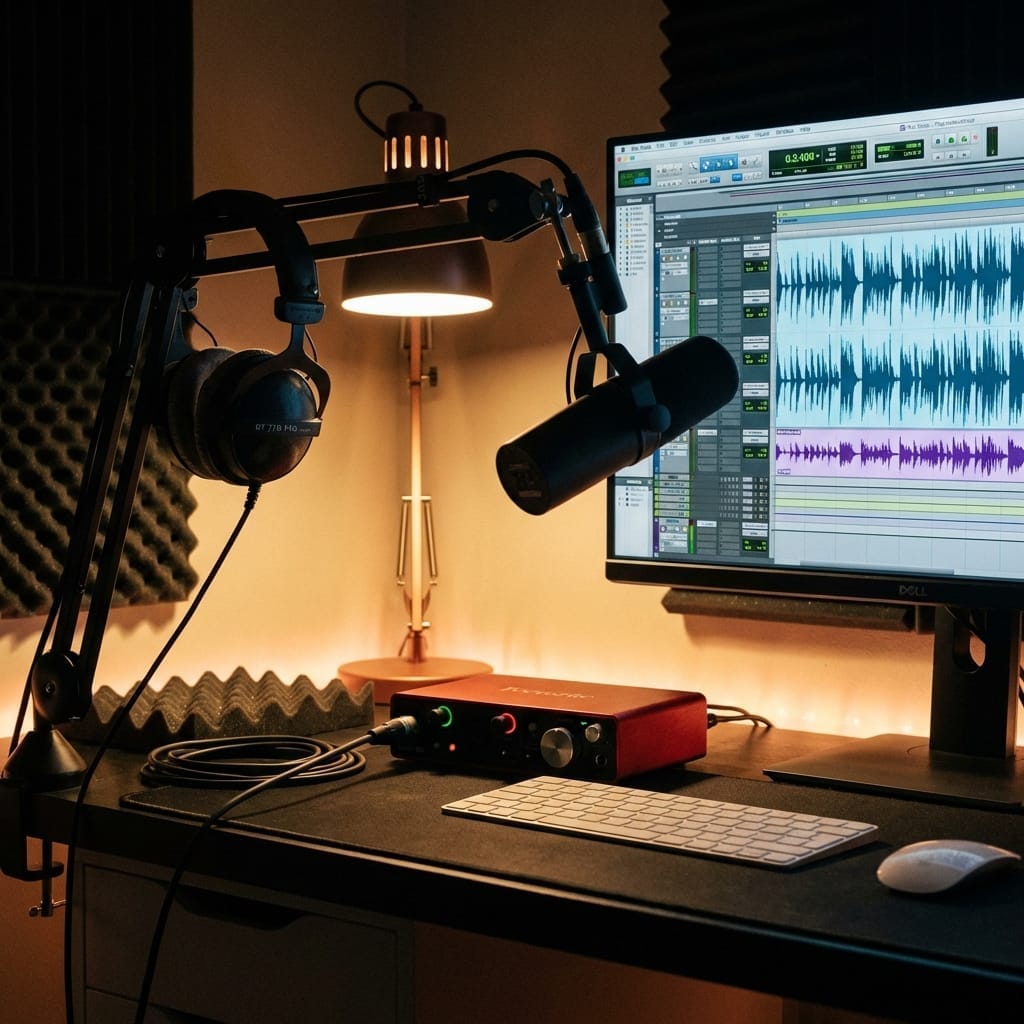
Audio Environment
Monitor Speaker :
-
Yamaha HS5 (30,000 yen/pair): Classic, flat sound
-
Genelec 8020D (120,000 yen/pair): Pro standard
Headphone :
-
Sony MDR-M1ST (35,000 yen): Studio monitor
-
Audio-Technica ATH-M50x (20,000 yen): Strongest cost performance
Lighting
- BenQ ScreenBar Halo 2 : Mentioned above (See desk setup article)
- Elgato Key Light Neo : Mentioned above (See remote work article)
FAQ
Q1: Is GPU for gaming okay?
A : Chip is same for creator and gaming . RTX 5080 is OK for both. However, VRAM 16GB or more is essential.
Q2: Can AI generation be done on Mac?
A : Possible but limited . Stable Diffusion WebUI supports Mac, but speed is about 1/3 of RTX 5080.
Q3: Is color management monitor really necessary?
A : Essential if handling printed matter . Normal monitor is OK if only Web. However sRGB 100% coverage is minimum condition.
Q4: Can it be completed only with iPad Pro?
A : Rough/Mobile work is possible . However, heavy work like After Effects, Blender is impossible. Recommended to use with desktop PC.
Q5: Is AI generation okay copyright-wise?
A : As of 2026, “Using as base and modifying” is safe . Should avoid commercial use as 100% AI generated.
Related Articles
Conclusion: Hybrid Era of AI x Human
AI is not “Replacement” but “Amplifier”.
-
Productivity : Production time 1/10 = Project orders 10x
-
Quality : AI Base + Human Fine Tuning = Highest Quality
-
Differentiation : Mastering AI = Essential skill for 2026 creator
Take creative work to next stage with AI as weapon . Innovate your workflow from today.



⚠️ コメントのルール
※違反コメントはAIおよび管理者により予告なく削除されます
まだコメントがありません。最初のコメントを投稿しましょう!