
Key Points
Key Takeaways
- 1
In 2026
- 2
high refresh rate (120Hz) becomes the standard for developer monitors
- 3
For text clarity
- 4
IPS Black (2000:1) is the safest bet
- 5
while QD-OLED wins on immersion
- 6
How Mac users should decide whether to wait for the rumored Studio Display 2
For engineers, a monitor is a “window.” If the window is fogged, the view (your code) gets murky too.
In 2026, the monitor market hits a major turning point. High refresh rates and OLED tech that used to be “for gaming” are now standard on premium “developer-focused” models.
This article centers on the latest trend, “QD-OLED vs IPS Black,” and offers the best choice as of today.
Monitor Trends in 2026: Three Changes Developers Should Know
1. The end of 60Hz, 120Hz becomes the norm
“Text ghosting” while scrolling quietly builds eye strain. In 2026, even business-class high-end models (like the Dell U3226Q) treat 120Hz as standard.
2. The full-scale war: IPS Black vs QD-OLED
- IPS Black : 2000:1 contrast. Twice the blacks of traditional IPS. Zero burn-in risk , and dark-mode editors look tighter. Built for real work.
- QD-OLED : Infinite contrast. Stunning colors and response time. But text fringing (color bleed) and burn-in risk on static content remain concerns.
3. Resolution assumes “HiDPI”
Scaling is the default workflow. For 27-inch, 4K (163 ppi) is ideal; for 32-inch, 6K (223 ppi) is ideal, but for value, 32-inch 4K is the current sweet spot.
Entry No.1: The all-around king, “Dell U3226Q / U3225QE”
For engineers who use both Windows and Mac, Dell”s U series is still the “right answer.” The latest IPS Black panels, in particular, are a perfect fit for coding.
Why is it strong for engineers?
- IPS Black (2000:1) : Greatly reduces the “gray blacks” you get on regular IPS (dark-mode backgrounds looking washed out).
- 120Hz refresh : VS Code scrolling is buttery smooth. That alone changes how tired you feel by the end of the day.
- Thunderbolt 4 hub : One cable handles 90W power delivery, wired LAN, “and peripherals.


Entry No.2: Should you wait for Apple Studio Display 2 (rumored)?
The second-gen Studio Display, rumored for early 2026, is expected to include “mini-LED backlighting” and “ProMotion (120Hz).”
Is the current Studio Display already enough?
Its 5K (5120x2880) resolution perfectly matches macOS scaling (218 ppi), so when it comes to text beauty alone, the current model is the best in the world.
Apple Studio Display - Standard Glass
For users who carry a MacBook Pro, simply plugging in and expanding your usual environment to a huge display is unmatched.
- Who should wait : Anyone who absolutely wants the smoothness of 120Hz and can budget 250,000 yen and up.
- Who can buy now : Anyone who prioritizes static text clarity above all else.
Entry No.3: The lure of immersion, “QD-OLED”
If you not only code but also do “game dev,” “video production,” or take gaming seriously in your downtime, QD-OLED (quantum dot OLED) becomes a real option.
MSI MPG 321URXW QD-OLED Gaming Monitor
Achieves 240Hz at 32-inch 4K. Blacks are perfect black. Coding at night in a dark room feels otherworldly.
However, “fringing (color bleed around text outlines)” still needs caution. Recent panels have improved, but if document work is your main task, IPS is the safer bet.
Conclusion: The best choices for engineers in 2026
-
Professionals who prioritize work and eye health 👉 Dell U3225QE (IPS Black / 120Hz) This is the most no-regrets choice. The balance of low eye fatigue and functionality is perfect.
-
Loyal to the Apple ecosystem 👉 Studio Display (current or wait for Gen 2) Even without 120Hz, the beauty of 5K font rendering is unmatched.
-
You want entertainment and immersion too 👉 32-inch 4K QD-OLED Choose models with burn-in coverage (3 years, etc.).
Investing in a monitor is an investment in your future eyes and back. It’s a partner you’ll use for five years—choose without compromise.
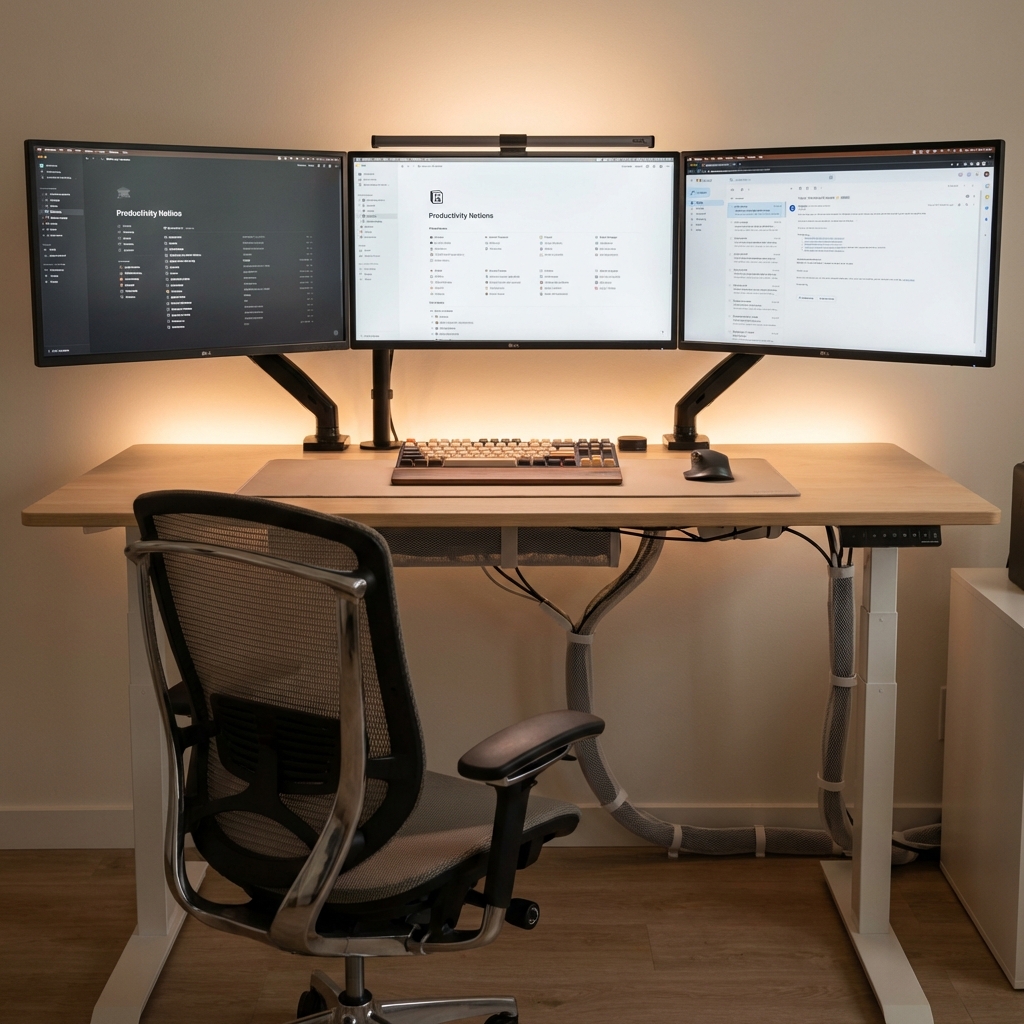
Ergotron LX Desk Mount Monitor Arm
Even the best monitor is ruined if the position is wrong. This is a must-have too.



⚠️ コメントのルール
※違反コメントはAIおよび管理者により予告なく削除されます
まだコメントがありません。最初のコメントを投稿しましょう!