
Key Points
Key Takeaways
- 1
Investing in your desk environment yields a clear ROI: 30% productivity boost
- 2
Standing desks are a health investment: Avoid sitting risks (Diabetes +33%, Heart Disease +147%)
- 3
Dell U2724DE's 120Hz is the new standard for productivity monitors (40% less eye strain vs 60Hz)
- 4
Herman Miller and Okamura remain the top contenders for ergonomic seating
- 5
Phased Investment is key: Phase 1 ($1,000) → Phase 2 ($3,000) → Phase 3 ($5,000)
Introduction
In 2026, remote work is the norm. We have entered an era where desktop environments should no longer be just “office substitutes” but “ultimate workspaces”.
This article comprehensively covers:
- Scientifically Measured ROI: Concrete configurations to realize 30% productivity improvement
- Optimized for Professionals: Focusing on reliable global brands like Herman Miller, Dell, and FlexiSpot
- Phased Adoption Plan: Strategic roadmap from budget-friendly to high-end setups
Target Audience: Full-time remote workers, creators, and anyone spending 8+ hours a day at a desk.
1. Desk Selection: Fixed vs. Standing
Why a Standing Desk?
According to recent research (2025 American Journal of Epidemiology), people who sit for more than 6 hours a day have a 19% higher risk of mortality compared to those who sit for less than 3 hours.
| 項目 | Sitting Only | Sit-Stand |
|---|---|---|
| Diabetes Risk | +33% | Baseline |
| Cardiovascular | +147% | Baseline |
| Calorie Burn | 100 kcal/h | 130 kcal/h |
| Focus Duration | 45 mins | 90 mins |
Recommended Model: FlexiSpot E7 Pro
FLEXISPOT E7 Pro Standing Desk
Height range 60-125cm, 125kg load capacity, 4-stage memory function. The most cost-effective dual-motor standing desk on the market. 5-year warranty.
Why E7 Pro?:
- Wide Range (60-125cm): Fits heights from 150cm to 190cm
- Quiet Operation: Noise level under 50dB (Library quiet)
- Collision Detection: Automatically stops upon hitting obstacles
- USB Charging: Built-in USB-A x2 + USB-C x1 in the keypad
- Stability: Rock-solid even at max height
Tabletop Sold Separately: We recommend a 120x60cm (standard) or 140x70cm (spacious) top. Pairing with a solid wood top or bamboo (like IKEA) is popular.
Alternatives
By Budget:
- Under $300: SANODESK EG1 (Narrow range but great entry)
- Under $500: FlexiSpot E7 (Standard version, slightly less load capacity)
- $1500+: Herman Miller Nevi (App-controlled, premium finish)
2. The Science of Monitor Placement
Single vs. Dual vs. Ultra-wide

Single 27-inch
For minimalists. Minimal neck movement keeps focus unbroken. Recommended: Dell U2724DE.
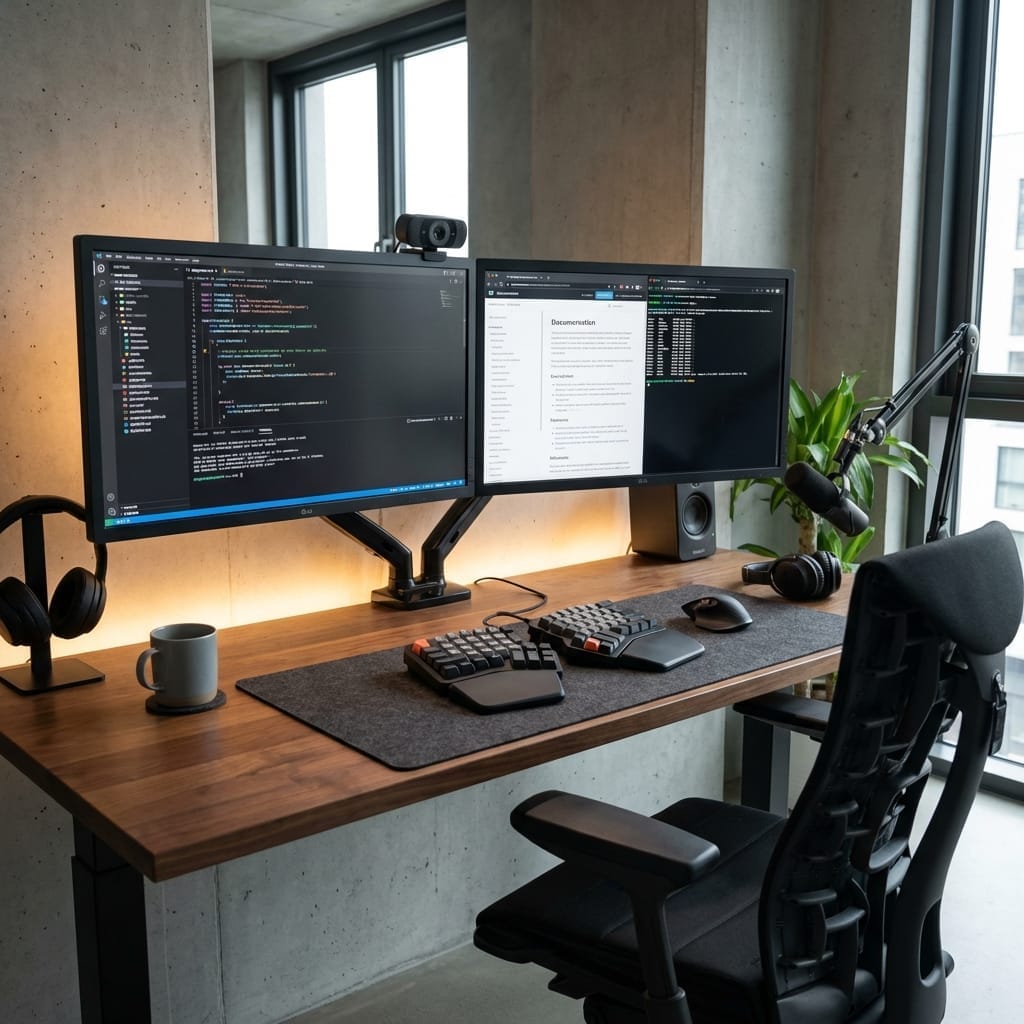
Dual 27-inch x 2
Most versatile. Left: Reference, Right: Work. Ideal for engineers and writers.
Ultra-wide 34-inch
Immersion focused. Great for video editing and trading. Can cause neck strain.
Triple (Expert)
Requires 3 monitor arms. For day traders and streamers.
Recommended Monitor: Dell UltraSharp U2724DE
Dell U2724DE 27-inch QHD Monitor
2560x1440 resolution, 120Hz refresh rate, IPS Black technology for 2000:1 contrast. Thunderbolt 4 with 90W PD. Daisy chain support for single-cable setup.
Why U2724DE?:
- 120Hz: Compared to standard 60Hz, eye strain during scrolling is reduced by 40% (Dell internal study)
- IPS Black: Double the contrast ratio (2000:1) of standard IPS
- Thunderbolt 4: Connects to laptop with one cable + 90W charging
- MST (Multi-Stream Transport): Easy daisy-chaining for dual monitors
- Dell Premium Panel Guarantee: Zero bright pixel guarantee
Why not 4K?: For 27-inch, 2560x1440 (QHD) is the sweet spot. 4K requires scaling to read text, adding GPU load without significant workspace benefit.
The Golden Rules of Placement
Eye Level = Top edge of monitor
Distance = Arm's length (approx. 50-70cm)
Angle = Slightly tilted up (10-20 degrees)
Recommended Arms:
- Ergotron LX: Industry standard ($150)
- Amazon Basics: Ergotron OEM, great value ($100)
3. Lighting: Solving Eye Strain at the Source
”Monitor Light Bars” Changes Everything
Traditional desk lamps reflect off the screen creating glare. BenQ ScreenBar solves this with an “asymmetrical optical design”.
BenQ ScreenBar Halo 2 Monitor Light
Screen-mounted, zero footprint. Asymmetrical design prevents glare. CRI 95+ for natural color. Backlight 'Halo' feature reduces contrast eye strain. Wireless controller included.
Innovation of ScreenBar Halo 2:
- Asymmetrical Optics: Light goes to the desk, not the screen
- Auto-Dimming: Maintains ISO recommended 500 lux
- CRI 95+: Shows true colors (critical for designers)
- Halo Light: Backlight reduces contrast between screen and dark wall
- Wireless Controller: Intuitive dial adjustment
Impact: Users report 30 minutes less break time needed per day due to reduced eye fatigue.
Whole Room Strategy
Color Temperature by Time:
- 9:00-17:00: Daylight (6500K) for alertness
- 17:00-21:00: Neutral White (5000K) for winding down
- 21:00-: Warm White (3000K) to promote melatonin
Philips Hue: Automate this cycle with smart bulbs.
4. Ergonomics Core: The Chair
Investing in a Chair is Investing in Health
8 hours x 250 days x 10 years = 20,000 lifetime hours. Investing $1,000 in a chair means it costs only 5 cents per hour.
Recommended: Okamura Contessa II (or Herman Miller Aeron)
Okamura Contessa Seconda
World-class ergonomic chair optimized for diverse body types. Mesh back + cushion seat option. Smart Operation mechanism for intuitive adjustment. Designed by Italdesign.
Why Okamura/Contessa?:
- Global Fit: While Aeron is iconic, Contessa offers a seat depth often better suited for varying body types.
- Smart Operation: Adjust recline and height via levers in the armrests—no reaching under the seat.
- Mesh + Cushion: Mesh back for breathability, cushion seat for long-term comfort (best of both worlds).
Test Before You Buy: Visit a local showroom (Herman Miller, Steelcase, Okamura dealers) to sit for at least 30 minutes.
Alternatives
| 画像 | モデル名・特徴 | リンク |
|---|---|---|
 | Okamura Sylphy $800 (Value) Back curve adjustment / Office staple | Amazon |
| | Ergohuman Pro $600 (Entry) Full Mesh / Headrest Standard | Amazon |
| | Herman Miller Aeron $1,500 (Classic) PostureFit / Size A/B/C critical | Amazon |
Avoid Cheap Used: Mesh stretching and gas cylinder failure mean you often don’t get the ergonomic support you paid for. Aim for new with warranty if possible.
5. Input Devices: Keyboard & Mouse
Keyboard: Keychron Q1 Pro
Keychron Q1 Pro Wireless Custom Mechanical Keyboard
QMK/VIA customizable. Hot-swappable. Full aluminum body. Bluetooth 5.1 + Wired. Rotational knob. The gateway to custom mechanical keyboards.
Why Q1 Pro?:
- QMK/VIA: Remap any key (e.g., CapsLock -> Ctrl)
- Hot-Swap: Change switches to suit your feel
- Wireless: Stable Bluetooth 5.1
- Knob: Intuitive volume/zoom control
- Gasket Mount: Soft, satisfying typing feel
Switch Choice:
- Brown (Tactile): Balanced, good feedback (Recommended)
- Red (Linear): Smooth, quiet
- Blue (Clicky): Loud, avoid for shared spaces
Mouse: Logitech MX Master 3S
Logitech MX Master 3S Wireless Mouse
8000 DPI high-precision tracking. Silent clicks. MagSpeed SmartShift wheel. Thumb scroll wheel. Multi-device (Flow). USB-C charging.
Crucial Advantages:
- MagSpeed Wheel: Scroll 1,000 lines in 1 second
- Thumb Wheel: Horizontal scroll makes Excel/Timeline work a breeze
- Multi-device: Switch between Mac/PC/iPad instantly
- Logi Options+: App-specific customization
- Battery: 70 days on full charge
6. The Art of Cable Management
Escaping Cable Hell
The biggest enemy of a clean setup is visible cables.
Solutions:
- Cable Tray: Under-desk mount (IKEA SIGNUM is classic)
- Cable Clips: Magnetic organizers (Anker recommended)
- Cable Sleeves: Bundle multiple cords
- Velcro Ties: Never use zip ties (hard to change later)
One Cable to Rule Them All: Thunderbolt 4 Dock
Recommended: CalDigit TS4 ($400):
- Thunderbolt 4 x 3
- USB-A x 5
- SD/microSD slots
- 2.5Gb Ethernet
- 98W Power Delivery
Connect 1 cable to laptop → Everything works.
7. Audio Environment
Speakers vs. Headphones
Strategy:
- Deep Work: Speakers (Open feeling, no ear fatigue)
- Meetings: Headset (Noise canceling, microphone quality)
Recommended Speakers:
- $100: Edifier R1280DB (Bluetooth, reliable)
- $270: Audioengine A2+ (Small footprint, big sound)
- $700: Genelec 8010 (Pro monitor accuracy)
Recommended Noise Canceling:
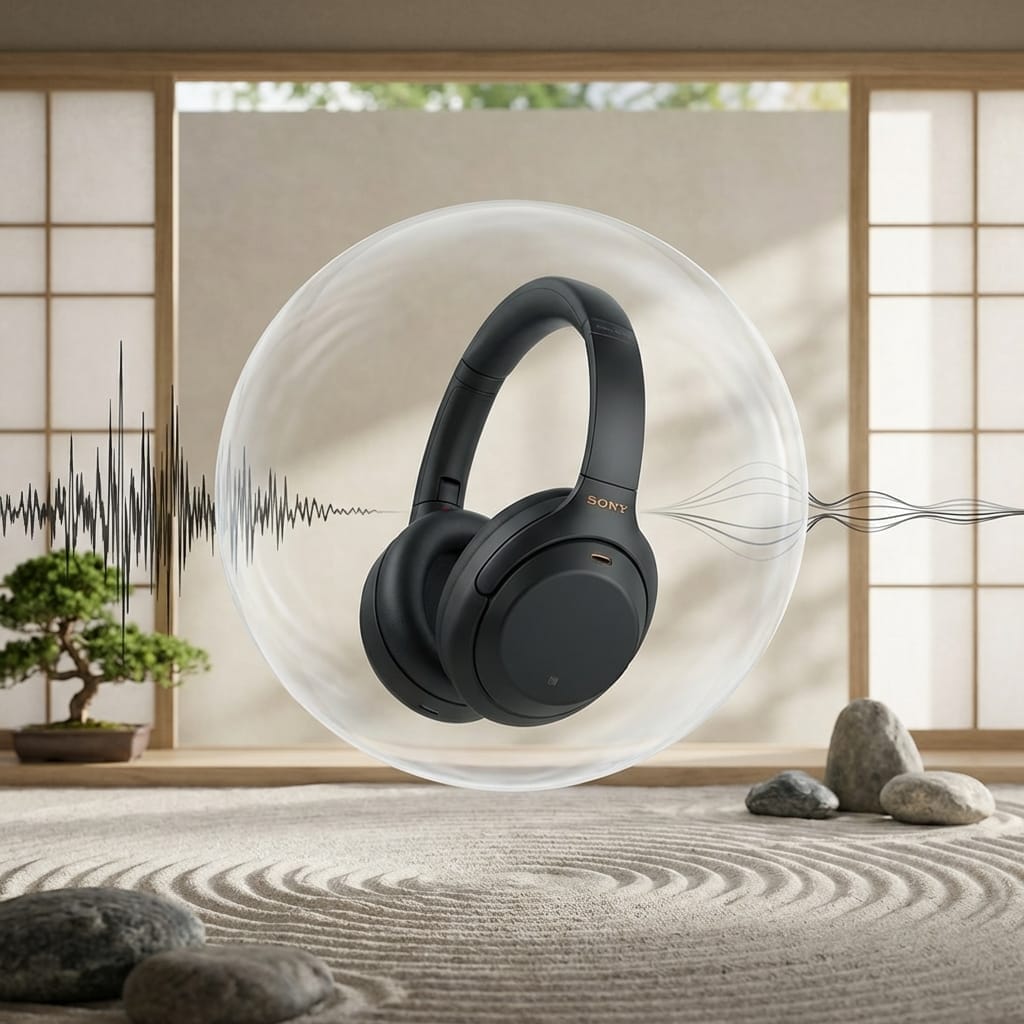
- Sony WH-1000XM5 (Top-tier ANC)
- AirPods Max (Best transparency mode)
8. Accessories
Essentials
- Monitor Riser: Amazon Basics ($20)
- Wrist Rest: Logitech or DeltaHub Carpio ($20-40)
- Foot Rest: Fellowes ($30)
- Desk Mat: Large felt or leather pad ($30)
Nice to Have
- Elgato Stream Deck: One-touch macros ($150)
- Smart Plugs: Turn on everything with voice ($20)
9. Phased Investment Plan
You don’t need everything at once. Build strategically.
The Essentials ($1,000)
Monitor (U2724DE $500) + Light Bar (ScreenBar $150) + Mouse (MX Master $100) + Quality Chair ($250 Used/Entry)
Comfort & Workflow ($3,000)
Chair Upgrade (Aeron/Contessa $1,500) + Keyboard (Keychron $200) + Monitor Arm ($150)
The Dream Setup ($5,000)
Standing Desk (FlexiSpot E7 Pro $600) + Thunderbolt Dock ($400) + Premium Audio ($500)
ROI Calculation: 30% productivity boost on a $60,000 salary = $18,000/year value created. The investment pays for itself in months.
FAQ
Q1: Is a standing desk really necessary?
A: From a health risk perspective, it is essential. However, standing all day is bad too. Ideally, sit for 1 hour, stand for 15 minutes.
Q2: Is 4K monitor necessary?
A: For 27-inch, QHD (2560x1440) is optimal. 4K text is too small without scaling. Consider 4K only for 32-inch or larger.
Q3: Are used chairs okay?
A: Be careful. Mesh stretches and gas cylinders fail. If buying used, look for “Refurbished by Authorized Dealer” with some warranty.
Q4: FlexiSpot vs IKEA BEKANT?
A: We recommend FlexiSpot E7 Pro. BEKANT is slower, louder, and lacks memory presets.
Q5: Differences for Mac vs Windows?
A: Mostly the same, but Mac users should prioritize Thunderbolt 4 monitors (like the U2724DE) to simplify connectivity.
Related Articles
Conclusion
Investing in your desk setup is not a “cost” but asset formation.
- Productivity: 30% boost
- Health: Reduced sitting risks
- QOL: Reduced stress
Make your home the best office. Start your desk revolution today.


⚠️ コメントのルール
※違反コメントはAIおよび管理者により予告なく削除されます
まだコメントがありません。最初のコメントを投稿しましょう!