
Key Points
Key Takeaways
- 1
Dramatic improvement in character consistency
- 2
which was previously difficult
- 3
by combining Wan2.1 (14B) and SCAIL
- 4
Minimizing limb loss and flickering even in complex dance movements through 3D-consistent pose control
- 5
Fast inference possible even on 12GB VRAM class (RTX 3070/4070) by introducing Triton and SageAttention
- 6
Model weights compressed to consumer-grade memory sizes using GGUF quantization models

Why Wan2.1 × SCAIL now?

Because it”s the only solution that can realize “character consistency” and “3D consistency,” previously difficult, on consumer GPUs. I will explain the reasons why this differs from the “luck-based” generation until 2024.
Why Wan2.1 × SCAIL Now?
AI video generation until 2024 had aspects close to being a “game of luck.” In 2D pose control like OpenPose, when characters rotated or overlapped, the AI would lose sight of joint positions, resulting in the video falling apart.
That”s where Alibaba”s Wan2.1 and SCAIL by the Tsinghua University team appeared.
Announcement of Wan 2.1 by Alibaba official. The quality and consistency of the generated videos became a hot topic.
Difference Between Traditional Control and SCAIL
SCAIL (Studio-grade Character Animation via In-Context Learning) uses a 3D cylinder representation as bones, instead of traditional 2D skeletons.
- 3D Consistency : Since it understands the thickness of the human body, arm lengths and connections don’t get messed up even when rotating. - Full-Context Injection : By teaching “next frame”s movement” in advance during generation, temporal consistency is guaranteed.
”Three Sacred Treasures” to Run on 12GB VRAM
To run a huge 14B model in my environment (RTX 3070 8GB… I’d like to say, but I recommend 12GB or more this time), the following optimizations are mandatory.
1. GGUF Quantization
Compresses model weights of nearly 30GB to about 10GB while maintaining image quality. With this, the model can be fully loaded on VRAM without swapping to system memory.
2. Triton (Windows version)
A GPU compiler language developed by OpenAI. While there is no official support for Windows environments, Attention calculations can be made lightning-fast by using a build version by volunteers.
3. SageAttention
A latest optimization technology that improves speed by 30-40% without dropping inference accuracy. Without this, generating one frame would take several minutes, and videos could only be made while you’re in the bath.
🔧 Environment Setup: Breaking Through the “Daemon”s Gate” on Windows
When building on Windows, many people give up especially around Triton. Here, I disclose the “golden configuration” and steps that I actually succeeded with.
Prerequisites
Strictly following these version consistencies is the shortest route to success.
| Software | Recommended Version | Remarks |
|---|---|---|
| Python | 3.12.x | Highest stability |
| CUDA Toolkit | 12.6 | Required by latest SageAttention |
| PyTorch | 2.6.0+cu126 | Use version compatible with CUDA 12.6 |
| VS Build Tools | 2022 | C++ compiler (MSVC v143) required |
Model Sources (Hugging Face)
Gather major model files from the following links.
- Wan2.1 14B GGUF : “city96/Wan2.1-T2V-14B-gguf”
- SCAIL Pose Model : “Kijai/WanVideo_comfy” (SCAIL folder)
- Text Encoder (UMT5) : “city96/Wan2.1-T2V-14B-gguf”
🚀 One-Shot Build! Automatic Setup Script
Since manual environment setup is prone to errors, I prepared a “One-Shot Script” that sets up the environment at once with PowerShell.
# 1. Start PowerShell with administrator privileges
# 2. Run the following commands to download & run the script

Invoke-WebRequest -Uri "https://raw.githubusercontent.com/ryuhat/honogear/main/scripts/install_wan_scail.ps1" -OutFile "install.ps1"
.\install.ps1This script automatically performs everything from cloning ComfyUI to constructing a Python virtual environment, installing the GPU version of PyTorch, and setting up custom nodes. It’s an excellent tool that even handles model downloads via Hugging Face CLI!
🛠 Troubleshooting: Common Errors and Countermeasures
Q1. ModuleNotFoundError: No module named triton is displayed
Cause : Triton installation failed, or the Python version doesn’t match.
Countermeasure : Check if triton-windows exists with pip list, and if
not, manually reinstall the Wheel file.
Q2. ImportError: DLL load failed when enabling SageAttention
Cause : Triton library files (include/libs) are not placed in the Python
directory. Countermeasure : Unzip python_3.12.x_include_libs.zip included
in the release zip and copy the contents to the Python root folder.
Q3. Character's limbs flash (Flickering) in the generated video
Cause : The preprocessing resolution for the SCAIL pose is wrong.
Countermeasure : Check if the resolution parameter is set to exactly
half (0.5x) of the final generation resolution.
Q4. Out of Memory (OOM) even with 12GB VRAM
Cause : Loading FP16 model, or tile size during decoding is too large.
Countermeasure : Always select Q4_K_M.gguf in the Unet Loader and lower
the VAE Decode tile_size to 128.
Performance Comparison: Wan2.1 vs Traditional Models
A comparison with other major models based on actually touching them.
| 項目 | AnimateDiff | Wan2.1 x SCAIL |
|---|---|---|
| Char Consistency | Average (LoRA req.) | Excellent (Default best) |
| Pose Following | Good | Excellent (3D control) |
| Gen Speed | Excellent (Light) | Average (Optimization req.) |
| Practicality | For hobbies | For studio quality |
Ideal Generation Pipeline
I strongly recommend the following settings when operating in ComfyUI.
- TeaCache : Set the threshold to 0.1-0.15. You can double the speed with almost no change in quality.
- VAE Decode (Tiled) : If VRAM dies during decoding, try lowering the tile size to 128.
Summary: AI Video Enters the “Intended Shot” Era
With the advent of Wan2.1 × SCAIL, AI video is no longer a game of looking for something that “happened to turn out well,” but has become a development task to “output the desired movement with perfect quality.”
There is no other field where engineering and creative are so closely related. Please build this “strongest environment” and try making amazing videos!
The optimization scripts and workflow JSON for ComfyUI used this time are planned to be released on GitHub (under preparation).
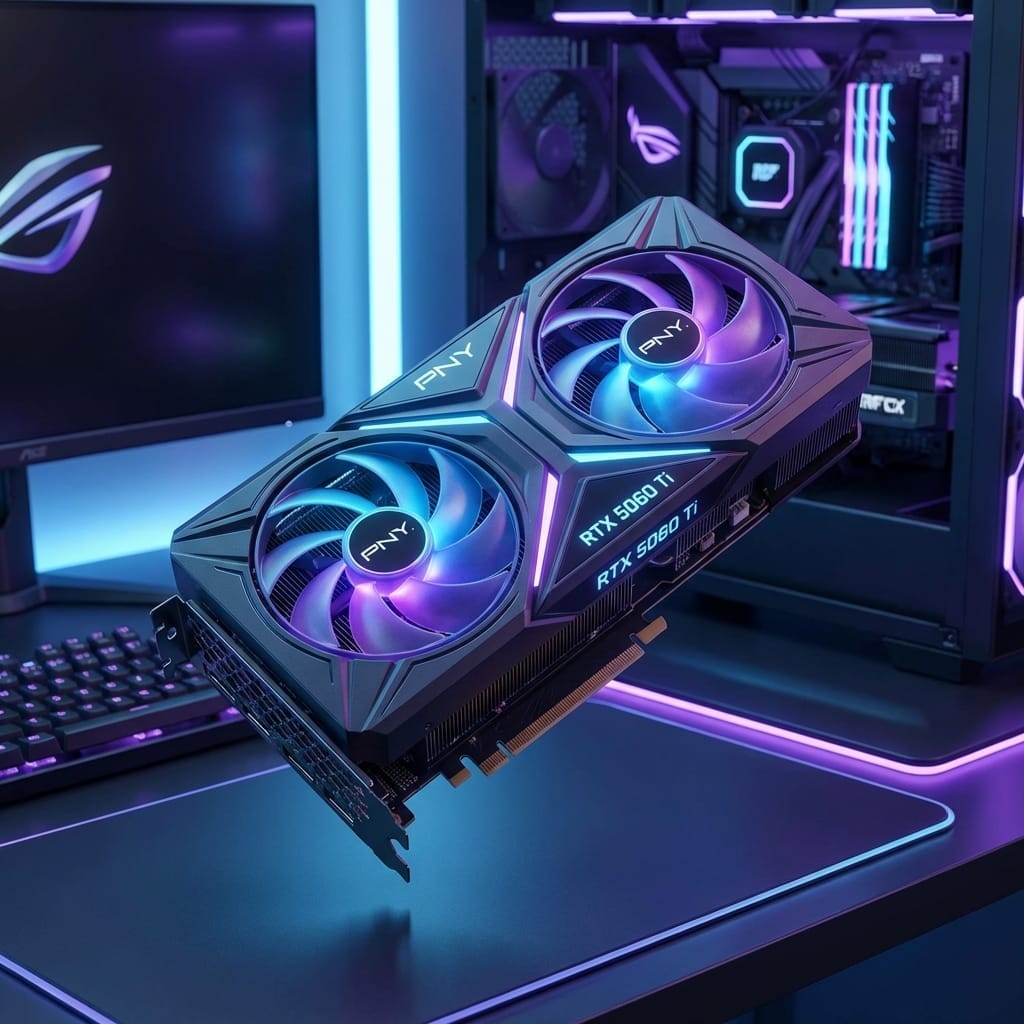
Recommended GPUs (VRAM 12GB or more)
If you run this workflow, choose at least this class.
Written by: GADGET.LAB (HonoGear)



![[2026 Latest] Strongest AI Coding Tool Comparison: Who Wins the Agentic AI Era?](/images/ai-coding-tools-2026.jpg)


⚠️ コメントのルール
※違反コメントはAIおよび管理者により予告なく削除されます
まだコメントがありません。最初のコメントを投稿しましょう!