
Key Points
Key Takeaways
- 1
Thin Client Philosophy
- 2
Hardware (M4 iPad Pro): Arrival point that cannot be thinned physically any more and beautiful. Tandem OLED displays code syntax highlight perfectly even outdoors
- 3
Blink Shell: Not just terminal. Includes VS Code (Web version), create development environment not disconnected even with unstable line with Mosh
- 4
GitHub Codespaces: Do not build environment locally. If connect to strongest container on cloud, specs of iPad do not matter
- 5
Stage Manager: If connect to external monitor, can overlap windows with 4K resolution. No longer inferior to desktop OS
Introduction: The Dream is Real
For many years, engineers have dreamed of “Working only with iPad” and have been blocked by wall of iPadOS. But now in 2026, approach changed. Not “Compile inside iPad”, but “Make iPad strongest Window”.
1. The Hardware: M4 iPad Pro 13-inch
Thinner than MacBook Air, screen is more beautiful than MacBook Pro.
iPad Pro 13-inch (M4)
Thinnest 5.1mm in history. If choose Nano-texture glass (Option), reflection of cafe lighting is zero. Keystroke feeling of Magic Keyboard is MacBook itself, and trackpad reaction speed is also perfect.
5G Cellular
No need to look for Wi-Fi. Connected to Internet at moment of opening. This “Always Connected” experience is biggest advantage over MacBook.
2. The Software Stack: Local is Dead
Do not try to put Node.js or Docker inside iPad (There are iSH and Termux, but not pro use). Let’s outsource.
Blink Shell + VS Code
Blink Shell evolved. Once SSH client, now interface to “VS Code Server”.
- Remote Tunnels : Connect to home Mac Studio or Linux server.
- Code CLI : Not open
code-serverwith iPad browser, but can operate like native app in Blink. - Mosh : Session is maintained even in unstable train.
GitHub Codespaces
If do not want to hold even infrastructure, charge to GitHub.
Open repository, start environment from .devcontainer definition.
If open github.dev with iPad browser, full-featured VS Code works.
Extensions, Linter, Copilot, all processed on cloud side.
3. Workflow: Anywhere Office
Cafe Setup
- iPad Pro + Magic Keyboard
- SSH to development server with Blink Shell
- Sidecar (If have Mac) as sub display
Desk Setup
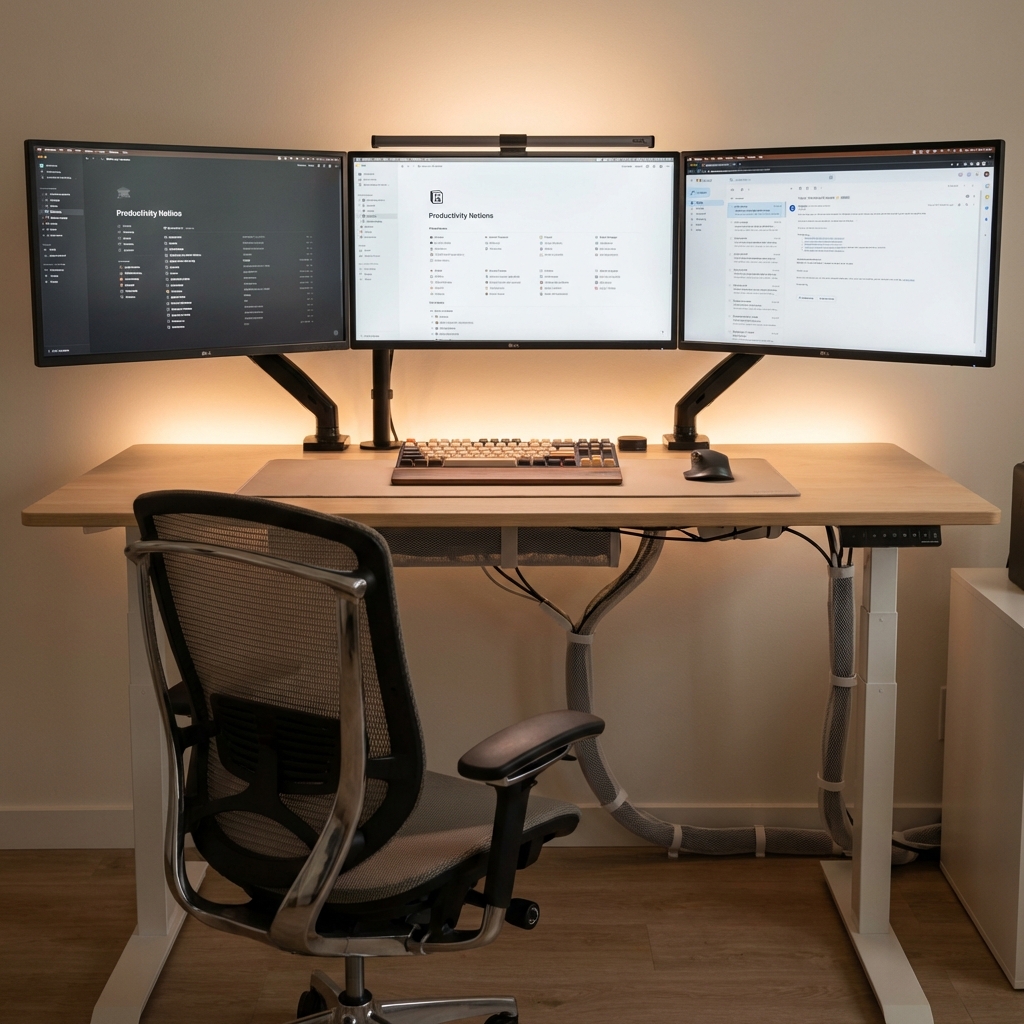
- Connect to 4K monitor with Thunderbolt
- Free arrangement of windows with Stage Manager
- Bluetooth connection of mouse and keyboard
With this, seamless transition of “Desktop at home, Tablet outside” is completed. Since data is all in cloud (or home server), there is no need for synchronization.
4. Comparison: MacBook vs iPad
| 項目 | MacBook Air M3 | iPad Pro M4 |
|---|---|---|
| Freedom of OS | High (macOS) | Low (iPadOS) |
| Portability | 1.24 kg | 579 g (Body only) |
| Communication | Wi-Fi only | 5G built-in |
| Display | LCD | Tandem OLED |
Conclusion: Constraints Create Creativity
There are certainly constraints in development with iPad. However, that constraint creates concentration “Do not do extra things (Do not look at SNS, do not mess with settings)”.
Create environment “Have to write”. That is true value of iPad Pro.
![[2026 Latest] Strongest AI Coding Tool Comparison: Who Wins the Agentic AI Era?](/images/ai-coding-tools-2026.jpg)



⚠️ コメントのルール
※違反コメントはAIおよび管理者により予告なく削除されます
まだコメントがありません。最初のコメントを投稿しましょう!