
Here is a detailed report summarizing the latest information.
Building a Free AI Agent Coding Environment - 2026 Latest Guide
The latest mainstream choice is Google Antigravity (Completely Free). This was released just in November 2025 and is a free game-changer against traditional AI IDEs (Cursor, Windsurf). [“1”][2]
Google Antigravity - New Generation AI Agent IDE
Antigravity is not just a code editor, but is designed as an Agent-First development platform. You shift to a high-level architecture of “giving tasks” instead of “writing code.” For example, if you instruct it to “refactor the login flow to support OAuth and verify it against these design specifications,” the agent will automatically plan, execute, and test it. [3][1]
Setup Method: [4]
-
Download the installer for your OS from https://antigravity.google/download
-
Windows: Run the
.exefile and follow the wizard. -
macOS: Drag from the
.dmgfile to the Applications folder. -
Linux: Install using
aptcommand or.debfile. -
Sign in with a Google account on first launch.
-
Setup is completed in 2-3 minutes.
Available Models: [5]
-
Gemini 3 Pro (Google’s latest model)
-
Claude Sonnet 4.5
-
GPT-OSS (Open Source version)
Free Limits: Antigravity is provided with “Generous Rate Limits,” specifically a quota system that resets every 5 hours. According to public reports, many users report being able to complete multiple applications per day. However, a transition to paid status is already decided (expected in late 2026). [6][7]
Open Source Agent Development Frameworks
1. LangChain + LangGraph [8][9][10]
LangChain provides building blocks (chains, memory, agents, tools), and LangGraph is a graph-based layer that implements Stateful Workflow . You can manage branching, looping, and multi-agent coordination across multiple steps.
Setup:
pip install langchain langgraph langchain-community langchain-ollamaImplementation Example for a Research Agent:
- Node 1: Receive user query
- Node 2: Execute Web search
- Node 3: Summarize results
- Node 4: Save to memory
- Node 5: Return final answer
Since DeepLearning.AI offers free courses, learning costs are zero. [10]
CrewAI builds systems where multiple agents collaborate in different roles (Researcher, Writer, Reviewer).
Installation:
pip install crewai
# or tool integration version
pip install "crewai[tools]"
Project Creation:
crewai create crew latest-ai-development
cd latest-ai-development
crewai install
crewai run
The structure is YAML-based, defining settings in agents.yaml and tasks.yaml, separate from Python code. It’s an independent design not dependent on LangChain. [11]
3. AutoGen Studio (No-code GUI) [14][15][16]
A low-code interface based on Microsoft’s AutoGen framework.
Installation:
pip install autogenstudio
autogenstudio ui --port 8080 --appdir ./my-app
The visual editor launches at http://localhost:8080, allowing you to build multi-agent workflows without code.
Local LLM Execution Environments
Ollama is a completely free, privacy-preserving local LLM platform with zero API costs . You can download models and run them immediately.
Installation:
- Access ollama.com to download.
- After installation, run the following in your terminal:
ollama run llama3.1Key Models:
-
LLaMA 3.3 - Latest, fast, multilingual support
-
Mistral - Lightweight and fast
-
Codestral - Specialized for code generation
-
Over 40 other models
Advantages: [18]
-
Completely free (no server costs)
-
GDPR compliant (local processing)
-
No costs other than electricity
-
Runs on CPU (slow but free)
Calling from Python:
pip install langchain_ollamaCan be integrated into LangChain and combined with CrewAI or LangGraph.
No-code AI Agent Platforms
Flowise (LangChain-based) [20]
Build LangChain workflows via drag & drop.
Features:
-
Visual node editor
-
Free self-hosting
-
Supports knowledge base uploads
-
Multiple data source integration
n8n (Automation Workflow) [20]
An open-source workflow automation tool that connects AI models, APIs, and databases.
Setup:
docker run -it -p 5678:5678 n8nBotpress (Visual Agent Building) [21][22]
Free Plan:
- Includes $5 AI credit
- Deployable to WhatsApp, Slack, Web
- Drag & drop flow design
- Built-in NLU and knowledge sources
Most Economical Free Setup Plan
Total Cost: $01. Google Antigravity → IDE (Free)
2. Ollama + LLaMA 3.3 → Local LLM (Free)
3. LangGraph → Framework (Free)
4. n8n → Workflow Automation (Free)With this stack, you can achieve:
- Rapid prototyping (Antigravity)
- Local inference (Ollama, privacy protected)
- Complex agent flow control (LangGraph)
- API and database integration (n8n)
Learning Resources
Deep Learning: DeepLearning.AI’s “AI Agents in LangGraph” free course teaches the latest implementation methods. [10]
YouTube Tutorials:
Important Notes
Future of Antigravity: Currently a free preview, but public announcements indicate that free tiers for individual developers and paid plans for enterprises will be set in the future. Consumption-based billing is expected, but specific prices have not been announced. [7]
LLM API Costs: Using local Ollama incurs no API costs, but when using OpenAI or Anthropic APIs, Gemini 3 Pro is priced at $2/million input tokens and $12/million output tokens. [7]
Hardware Requirements:
- CPU only: Operates, but slowly
- With GPU (8GB VRAM): Practical speed
- Memory: 4-8GB recommended depending on model size
Recommended Learning Path
- Rapid prototyping with Antigravity → Free, intuitive UI
- Implementation with LangGraph → Control complex agent flows
- Local testing with Ollama → Privacy protected, fast iteration
- API integration in production → Switch to paid LLMs as needed
This approach allows for zero costs in the early stages of development and only considers API costs at the scaling stage.
Deep Dive: Standardizing Dev Environments with .devcontainer
For AI agents (like Antigravity) to edit code correctly, they must fully understand the execution environment. By including .devcontainer in your project, agents can operate without worrying about OS dependencies.
{
  "name": "AI-Agent-Env",
  "image": "mcr.microsoft.com/devcontainers/javascript-node:20",
  "features": {
    "ghcr.io/devcontainers/features/docker-outside-of-docker:1": {}
  },
  "customizations": {
    "vscode": { "extensions": ["google.antigravity-worker"] }
  }
}
This prevents errors due to “environment setup mistakes” when introducing a new agent and paves the way for full automation.
Learning Deeper: How AI Agents Work
Beyond implementation, learning the theoretical background of “how AI agents think and decide actions” enables more advanced system design. Develop the fundamental strength to master latest frameworks.
おすすめ書籍紹介
A book where you can systematically learn from agent concepts to actual app development. The best guidebook for deepening your skills after building a free 2026 environment.
References
- [1] Google Antigravity AI IDE 2026 - Bay Tech Consulting
- [2] Antigravity IDE Official Site
- [3] Build with Google Antigravity - Google Developers Blog
- [4] How to Download and Install Google’s Antigravity IDE
- [5] Google Antigravity AI IDE Beginner Guide 2025
- [6] Google Antigravity Free Access & Pricing Signals
- [7] Is Google Antigravity Free to Use? Pricing & Limits
- [8] Agentic AI with LangChain & LangGraph
- [9] LangGraph Tutorial - GetZep
- [10] AI Agents in LangGraph - DeepLearning.AI
- [11] CrewAI GitHub Repository
- [12] First Crew Guide - CrewAI Docs
- [14] AutoGen Studio Getting Started
- [15] AutoGen GitHub Repository
- [16] AutoGen Studio User Guide
- [17] How to Install LLM Locally
- [18] Run LLMs Locally with Ollama
- [20] How to Create AI Agents for Free - Hakuna Matata Tech
- [21] AI Agent Frameworks - Botpress Blog
- [22] AI Agent Frameworks - Botpress EN
- [24] Top 7 Open Source AI Agent Frameworks
- [25] How to Set Up and Use Google Antigravity
- [26] 5 Fully OpenSource AI Agents Frameworks
- [28] Guide on Tools to Build AI Agents
- [29] Build an AI Powered Flutter App with Antigravity
- [30] No Code AI Agent Builders
- [31] Zenn Article
- [32] Curated List of OpenSource Packages
- [33] Best Free AI Agents for Coding
- [34] Best Google Antigravity Alternatives
- [35] Windsurf Pro vs Google Antigravity
- [37] Free Alternatives to Google Antigravity
- [39] Use AutoGen with Free Local LLM
- [40] Top 10 LLM Tools Locally
- [41] Microsoft AutoGen Project
- [43] Best Local SciFi Buddy LLM Setup
- [44] CrewAI Quickstart
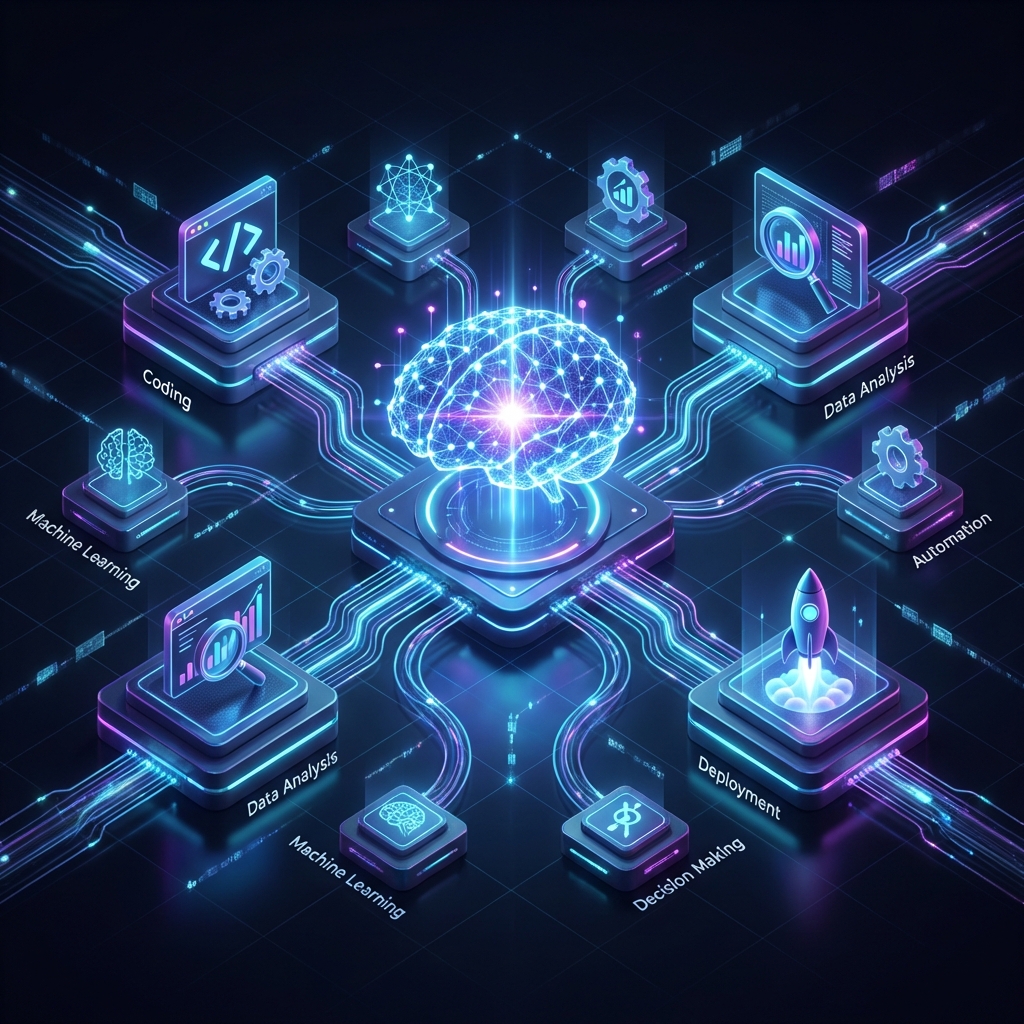
![[2026 Latest] Strongest AI Coding Tool Comparison: Who Wins the Agentic AI Era?](/images/ai-coding-tools-2026.jpg)


⚠️ コメントのルール
※違反コメントはAIおよび管理者により予告なく削除されます
まだコメントがありません。最初のコメントを投稿しましょう!