
Key Points
Key Takeaways
- 1
Console vs PC
- 2
Steam Deck OLED (Linux): Completeness as game machine is Nintendo level. Since recovery from sleep (Suspend/Resume) finishes in few seconds, can play in gap time
- 3
ROG Ally X (Windows): Game Pass and Epic Games run natively. Scalability that can be used as normal Windows PC if keyboard is connected is attractive
- 4
Battery: Battery capacity of ROG Ally X doubled (80Wh), and became able to play heavy AAA titles for 3 hours
- 5
Choice: Deck if just want to play games. Ally if want to insert MOD or use other launchers
Introduction: No Need to Wait for Switch Pro
Nintendo’s next generation machine is also wonderful, but ‘Backlog’ we should break down is in Steam library. Elden Ring, Cyberpunk, it is era to play lying in bed.
In 2026, UMPC (Ultra-Mobile PC) evolved from niche gadget to mainstream game machine.
1. The Console Experience: Steam Deck OLED
What Valve made is not PC but “Experience”.
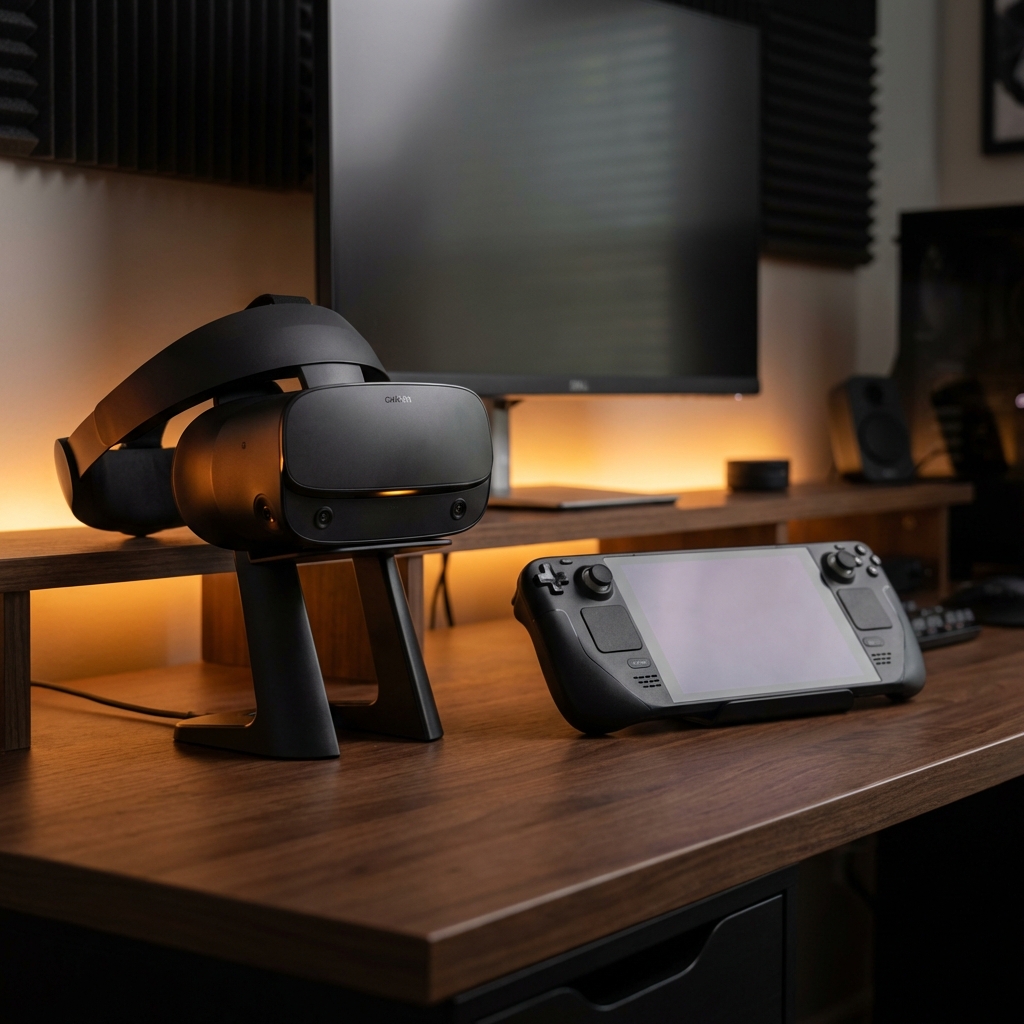
Steam Deck OLED 1TB
Too beautiful OLED screen and 90Hz refresh rate. Operability of trackpad is outstanding, and strategy games requiring mouse operation can also be played comfortably. Suspend function of SteamOS is god function for busy engineers.
Linux Gaming
By evolution of Proton (compatibility layer), 99% of Windows exclusive games run. Since OS overhead is small, frame rate is higher than Windows machine of same spec.
2. The Powerhouse: ROG Ally X
ASUS resolved with violence of hardware.
ASUS ROG Ally X
Memory 24GB, Storage 1TB, Battery 80Wh. Cooling system to draw out performance of Ryzen Z1 Extreme chip to limit. Also equipped with cheat function to double frame rate falsely by AFMF (AMD Fluid Motion Frames).
Merits and Demerits of Windows
Windows 11 is not OS for game machine. However, that is why everything can be done. Play latest work with Xbox Game Pass, and deliver with OBS behind while talking on Discord. This is “Small Gaming Desktop”.
3. Comparison: Difference in Philosophy
| 項目 | Steam Deck OLED | ROG Ally X |
|---|---|---|
| OS | SteamOS (Arch Linux) | Windows 11 Home |
| Operability | With trackpad | Controller only |
| Compatibility | Steam centric | All launchers supported |
| Sleep | Explosive speed | Instability unique to Windows |
4. Docking Station: Desktop Project
Both models can output to monitor with one USB-C cable. If using dock of JSAUX or Anker, can connect 4K monitor, keyboard, and mouse.
- Steam Deck : Can be used for web development and server management as Linux desktop (KDE Plasma).
- ROG Ally : Excel and Photoshop run as normal Windows PC.
Conclusion: According to Your Lifestyle
- Want to play little by little in gap time -> Steam Deck
- Want to play firmly and use as PC -> ROG Ally
Whichever you choose, your “Backlog” will surely begin to decrease. (And buy new game, and increase again)





⚠️ コメントのルール
※違反コメントはAIおよび管理者により予告なく削除されます
まだコメントがありません。最初のコメントを投稿しましょう!