
1. Introduction: Why MCP Matters Now
The Model Context Protocol (MCP) , announced by Anthropic in late 2024, has established itself in just over a year as the USB-C for AI standard.
Previously, connecting AI models to external tools like GitHub, Notion, or internal databases required custom plugins or unique Function Calling implementations for each tool. MCP has solved this N×M (models × tools) integration nightmare once and for all.
Connecting AI, Expanding Worlds MCP is the last mile that transforms AI assistants from simple chat buddies into capable agents that autonomously handle file operations and data analysis.
2. Understanding the Core of MCP: A Universal Interface for AI
The mechanism of MCP is surprisingly simple, but its impact is immense.
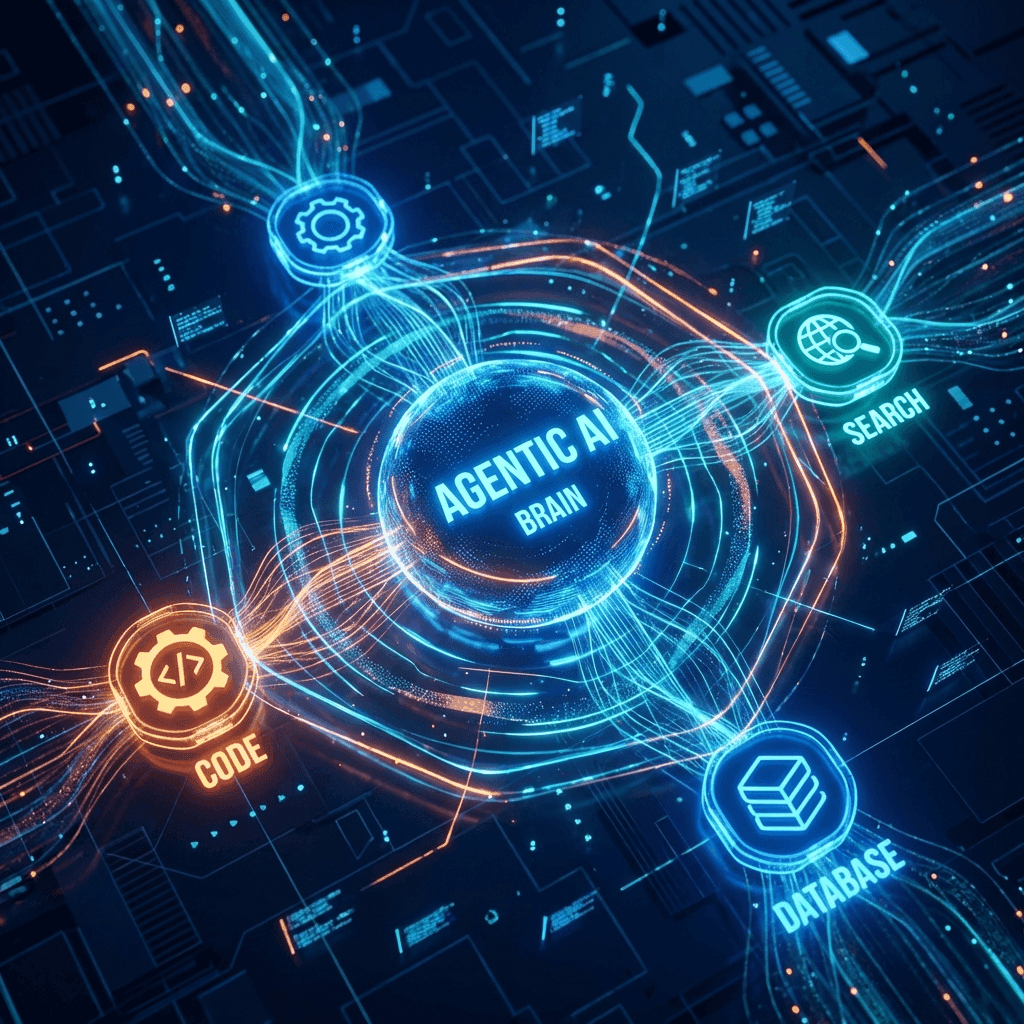
The Mechanism: 3 Components
- MCP Client : AI-powered IDEs or CLIs (Cursor, Claude Code, Antigravity, etc.).
- MCP Server : Lightweight processes that handle connections to external tools (GitHub Server, PostgreSQL Server, etc.).
- Resources/Tools : The actual data or functions the AI wants to access.
Why is it secure? Instead of the AI model itself calling external APIs directly, a locally running MCP Server acts as the bridge. This allows you to safely delegate permissions without ever passing authentication tokens to the LLM .
3. Practical Usage: Integration Tips for the Big 3 Tools
As of 2026, all major AI development tools natively support MCP. Lets look at the features and setup for each.
① Cursor: Intuitive Setup and Powerful Composer
Cursor offers a user-friendly UI for everyone from beginners to experts.
- Config Location :
~/.cursor/mcp.json(Global) or.cursor/mcp.jsonwithin a project. - Key Feature : Combined with Cursor Composer, you can automate workflows like “check GitHub issues, fix code, and submit a PR” with just natural language instructions.
{
  "mcpServers": {
    "github": {
      "command": "npx",
      "args": ["-y", "@modelcontextprotocol/server-github"],
      "env": {
        "GITHUB_PERSONAL_ACCESS_TOKEN": "your_token_here"
      }
    }
  }
}
② Claude Code: The Ultimate Agent for Terminal Users
Claude Code, Anthropic’s official CLI tool, boasts advanced MCP integration specialized for terminal work.
- How to Add : Interactively add tools using the
claude mcp addcommand. - Strength : Excellent scope management . You can instantly deploy tools limited specifically to your current project.
③ Google Antigravity: The Apex of UI-Driven Integration
Google”s AI-first IDE, “Antigravity,” lowers the barrier to MCP entry to the absolute minimum.
- Key Feature : Includes a built-in “MCP Store” , allowing you to install tools with a single click, just like browser extensions.
- Unique Function : Context optimization via Rube MCP . Connect numerous servers without wasting the LLM’s context window.
4. Comparison: Which Tool is Best for You?
| Category | Cursor | Claude Code | Antigravity |
|---|---|---|---|
| Tool Name | IDE (VS Code based) | CLI (Terminal) | AI-First IDE |
| MCP Setup | JSON Editing / UI | CLI Command | MCP Store (1-click) |
| Best For | Broad development with UI | Fast debugging / setup | Autonomous building / GCP |
| Recommended For | All VS Code users | Terminal enthusiasts | Edge-case automation seekers |
5. Reality Check: Security and Precautions
Behind the convenience, new risks lie in wait.
- + Instantly use existing MCP servers from around the world
- + Easily create and extend your own custom tools
- + High security through local execution (token secrecy)
- - Over-permissioning can lead to AI accidentally altering production DBs
- - Malicious code execution via rogue servers (Tool Poisoning)
- - Increased inference costs due to context bloating
Don’t forget the Principle of Least Privilege . If you’re allowing DB access, strongly consider starting with a read-only user.
6. Further Learning
Here are some resources to help you stay updated on MCP and sharpen your skills.
Learn Model Context Protocol with Python
A practical guide to building your own MCP servers using Python to maximize the capabilities of your AI agents.
7. Deep Dive: Structure of JSON-RPC 2.0 Protocol in MCP
MCP communicates using standard JSON-RPC 2.0, regardless of the underlying transport layer. The message structure when an AI calls a tool is as follows:
{
  "jsonrpc": "2.0",
  "method": "tools/call",
  "params": {
    "name": "get_weather",
    "arguments": { "city": "Tokyo" }
  },
  "id": 1
}
This simple and lightweight structure is the source of versatility that allows the same server definition to be reused between different clients such as Cursor and Claude Code.
8. Conclusion: Towards the 2026 Development Standard
With the advent of MCP, AI development has clearly shifted from “getting AI to write code” to “getting AI to use tools and automate workflows autonomously.”
Following its donation to the Linux Foundation, MCP has become collective infrastructure, with rumors of OS-level integration soon to follow. Mastering this technology today will be an essential skill for the next generation of engineering.
Go ahead, give your AI some “hands and feet.”
Reference Links
Related Articles
Google Antigravity vs Cursor: Next-Gen Editor Showdown
 HonoGear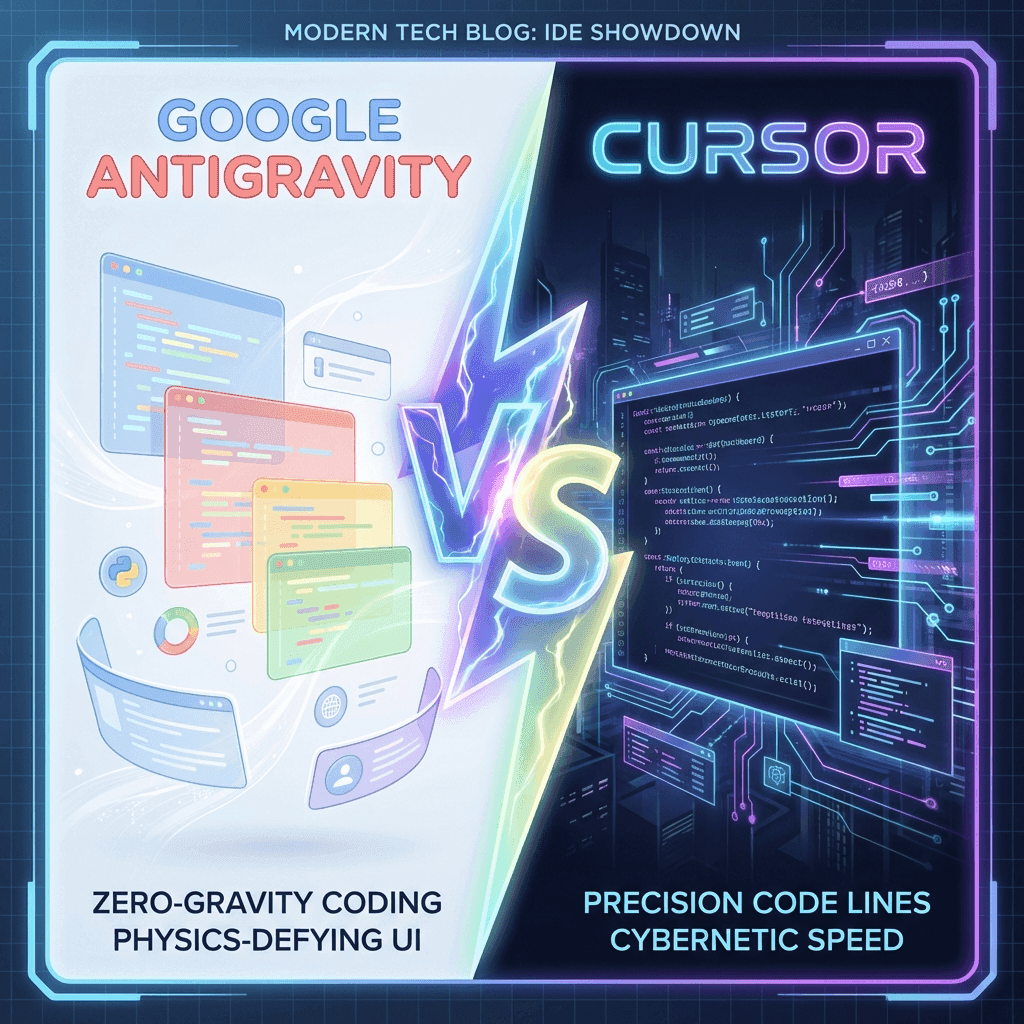


⚠️ コメントのルール
※違反コメントはAIおよび管理者により予告なく削除されます
まだコメントがありません。最初のコメントを投稿しましょう!