
Key Points
Key Takeaways
- 1
Privacy First
- 2
Mac Studio (Unified Memory): Only solution to break through VRAM wall. With 192GB memory, Mixtral 8x22B runs easily as well as Llama 3 70B quantized model.
- 3
Jetson Orin AGX: Highest peak of embedded AI. With 60W power consumption, this is the one if making agent (JARVIS) running permanently.
- 4
Ollama: LLM starts up with one command. API compatible, existing LangChain apps run as is.
- 5
RAG (Retrieval Augmented Generation): Search your Notion or Obsidian entirely and generate answers. Data does not go outside even one step.
Introduction: Limits of Cloud AI
ChatGPT is convenient, but you cannot feed it confidential company code or private diaries. There is also censorship. Not only “How to make a bomb”, but even “Extreme jokes” are rejected.
To obtain true freedom (Uncensored Model), you have no choice but to buy hardware.
1. The VRAM King: Mac Studio (M3 Ultra)
Nvidia’s GPU (RTX 4090) is powerful, but has only 24GB of VRAM. This is not enough to run 70B class models. Apple Silicon’s Unified Memory architecture destroyed this bottleneck.
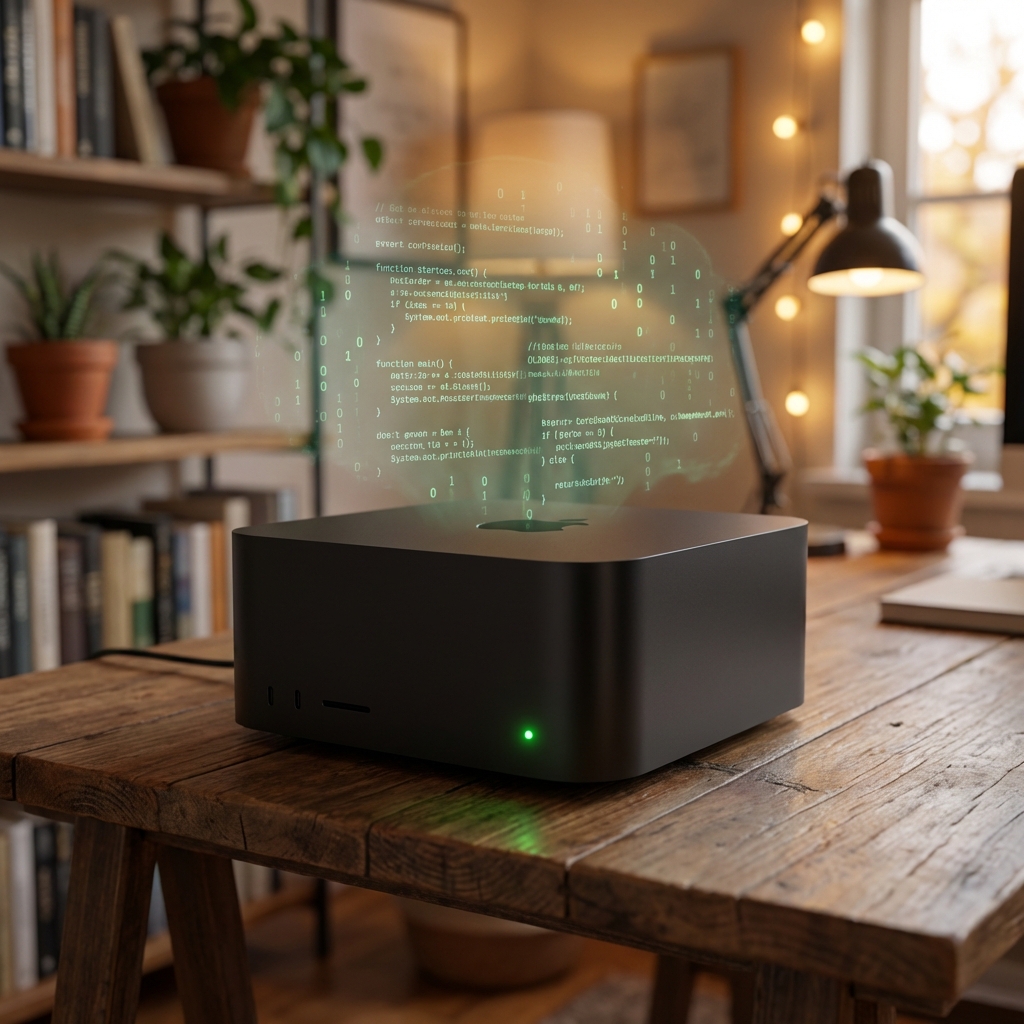
Apple Mac Studio (M2 Ultra)
Maximum 192GB unified memory. Possesses LLM inference capability equivalent to two A100 80GB (millions of yen). Era where you can put this monster on desk with fan noise at inaudible level.
Apple MLX Framework
If you use MLX framework optimized for Apple Silicon without going through PyTorch, inference speed accelerates further.
Since it hits Metal (GPU) directly from Python, there is no overhead.
2. The Edge AI King: Nvidia Jetson Orin AGX
If you want to “Keep running 24/7”, power consumption of Mac Studio is concerning. Jetson Orin boasts overwhelming Watt Performance because it was developed as robot brain.
NVIDIA Jetson AGX Orin Developer Kit
AI processing capacity of 275 TOPS in palm size. Ubuntu runs and CUDA can be used natively. Power consumption maximum 60W. Fits in rack as AI personnel of home server (Homelab).
3. Operations: Ollama & Open WebUI
No need to infer on black screen. If you run Ollama in backend and put Open WebUI (formerly Ollama WebUI) in front, appearance is completely ChatGPT.
# Start Llama 3
ollama run llama3:70b
Just this starts local API server (localhost:11434). If you rewrite endpoint of Windsurf or Cursor to here, coding is also possible offline.
Deep Dive: Model Size and VRAM Calculation Formula
The VRAM (Unified Memory) required to run a 70B class model can be calculated with the following simplified formula:
Memory Consumption (GB) ≈ (Number of Parameters * Quantization Bits / 8) * 1.2 (Overhead)

Example: Running Llama 3 70B at 4-bit (Q4_K_M)
(70 * 4 / 8) * 1.2 = 42GB
This is the reason why you should have 128GB or more memory in a Mac Studio (M2/M3 Ultra). Expanding context length (to 128k tokens, etc.) requires an additional 10GB to 20GB for KV cache, so design with a margin is important.
Conclusion: Don’t Rent Brains
Cloud AI is “Rental”. You can use it as long as you pay rent (subscription), but you cannot remodel it. Local LLM is “Owned House”. Repaint walls, extend, and grow your favorite strongest assistant.
Initial investment is high, but it is cheap if you think of it as ticket to freedom.
![[2026 Latest] Strongest AI Coding Tool Comparison: Who Wins the Agentic AI Era?](/images/ai-coding-tools-2026.jpg)


![[Latest 2026] 4 Ways to Use Codex for Free: From ChatGPT Paid Plans to Completely Free Local Operation](/images/codex-free-guide-2026.png)

⚠️ コメントのルール
※違反コメントはAIおよび管理者により予告なく削除されます
まだコメントがありません。最初のコメントを投稿しましょう!