
In 2025, the demand for short videos such as TikTok and YouTube Shorts is exploding. YouTube Shorts alone are viewed more than 20 billion times every day.
Amidst this, AI-powered short video creation tools have undergone revolutionary evolution, and the era has arrived where anyone can easily create viral videos!
In this article, we deliver practical information ranging from the latest AI short video creation methods of 2025, comparisons of recommended tools, to tips for monetization.
The Revolution of AI Short Video Creation
In 2025, AI technology has completely changed the world of video production. Video production, which previously required specialized editing skills, is now an era where it can be completed just by inputting text.
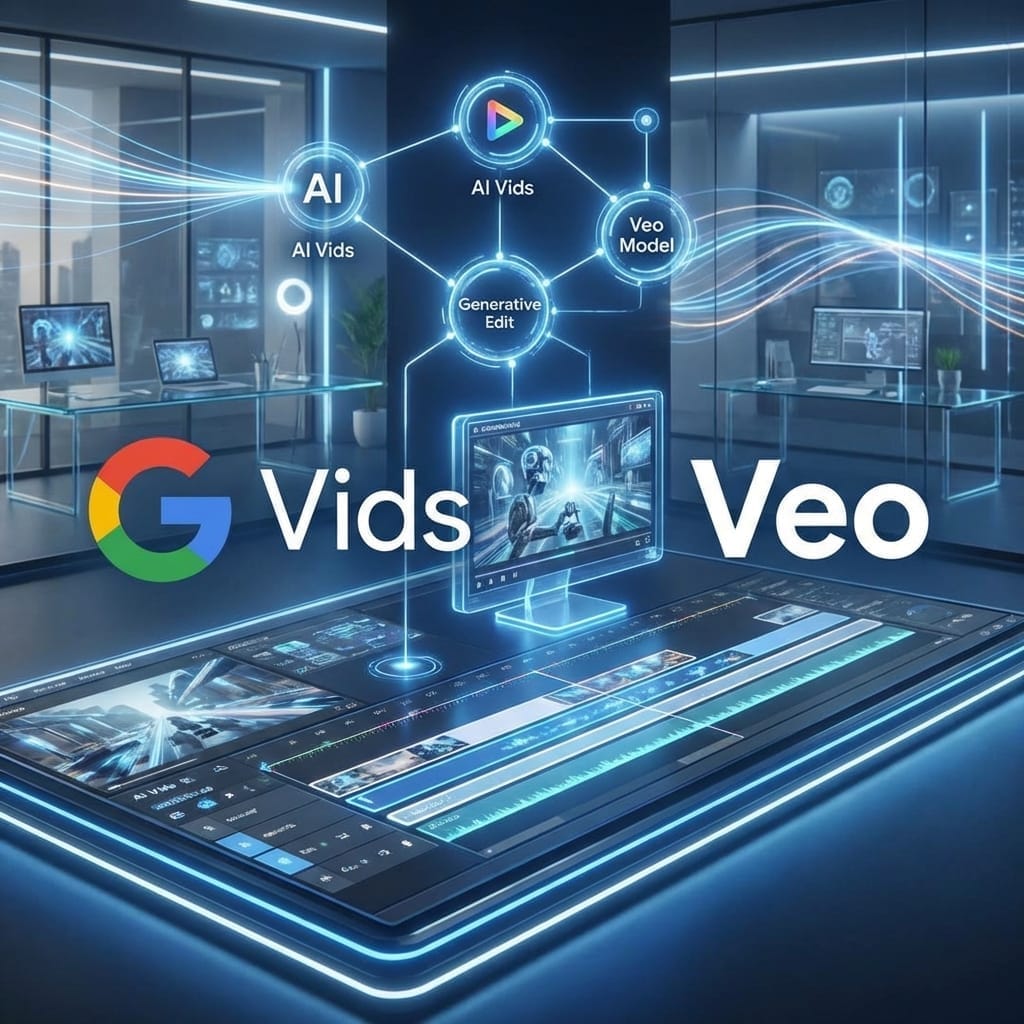
Of particular note is the advent of the latest AI video generation models such as Google”s Veo 3 and OpenAI”s Sora 2. These generate amazingly natural footage and can output them with sound.
Veo 3 Integrated into YouTube
YouTube partnered with Google’s DeepMind to integrate the latest video generation model Veo 3 into YouTube Shorts. Veo 3 Fast can generate 480p vertical videos with low latency and with sound. It is currently rolling out in the US, UK, Canada, Australia, and New Zealand, with further expansion planned.
Top AI Short Video Creation Tools
1. OpusClip - Automatically Clip Long Videos
OpusClip analyzes the latest trends and video content of major platforms by utilizing large-scale data. It automatically extracts highlights of long-form videos and converts them into high-viral potential short videos.
Features:
- Evaluate video viral potential with AI Virality Score
- Automatic dynamic caption generation
- Auto-reframing function
- Directly post to YouTube, TikTok, and Instagram
Pricing:
- Free Plan: 60 mins/month (with watermark)
- Starter Plan: $9/month (150 mins, no watermark)
- Pro Plan: $19/month (includes team collaboration features)
Actual Usage Example: Used by over 12 million top creators like Grant Cardone, with reports of user watch time increasing by 40-266%.
2. Runway Gen-3 Alpha - All-in-one Platform for Pros
Runway’s Gen-3 Alpha is a latest model trained on both video and images, and is twice as fast as the previous Gen-2.
Features:
- Supports all of text-to-video, image-to-video, and video-to-video
- Equipped with Motion Brush, Advanced Camera Controls, and Director Mode
- Excels in generating expressive human characters, achieving natural facial movements with Act One
- High-quality cinematic output
Pricing:
- 100 credits for a 10s video (approx. 10 credits/sec)
- Turbo version is cheaper at 5 credits/sec
3. Luma Dream Machine - High Quality AI Generation
Luma Dream Machine provides control functions that allow fine-tuning of results with an interface that maintains a good balance for both new and veteran users.
Pricing:
- Free Plan: Image generation only (with limits)
- Lite Plan: $9.99/month (1080p video, 3,200 credits)
4. Canva Magic Design for Video - Ideal for Beginners
With Canva’s Magic Design for Video, you can complete video editing in minutes just by uploading raw clips and giving instructions. High-quality YouTube Shorts can be created even without video editing experience.
Features:
- Intuitive UI
- Extensive template library
- Full generation also possible with Magic Media
- Team collaboration features
Effective Short Video Creation Workflow
Step 1: Conceptualization
First, determine your target audience and content type. Trends for 2025 are:
- AI Story Videos (#biblestories, #animalrescue)
- Product Reviews/Explanations
- Educational Content (How-tos, tutorials)
- Entertainment (Memes, comedy)
Step 2: Script Generation
With AI tools, you can easily generate scripts with powerful hooks and structured scenes. Tools like OpusClip provide more than 50 templates based on viral hashtags.
Step 3: Visual Generation
Points when generating video from text prompts:
- Specify Vertical Format (9:16)
- Keep detailed descriptions in mind (e.g., “A cat enveloped in a magical aura in a sunset forest”)
- Generate multiple variations and choose the best one
- Use camera language (e.g., “soft cinematic lighting, 35mm look, shallow depth of field”)
Step 4: Editing and Optimization
By utilizing AI for video generation, you can save time while reaching a wider audience, increasing the virality of your content, and maintaining viewer engagement.
Optimization points:
- Improve engagement with dynamic captions
- Create atmosphere with BGM selection
- Smooth flow with transitions
- Encourage actions with CTA placement
2025 Trend Features
Generation with Sound
Veo 3 can create fully synchronized videos with sound from a single prompt, including character dialogue. YouTube’s Speech to Song remixing tool can use Lyria 2 to convert video conversations into engaging soundtracks.
Animating Photos
Apply motion to still images to convert them into moving videos. You can borrow motion from another video, such as dance or intense sports movements.
Video-to-Video Conversion
Given existing footage and instructions or reference frames, it reconstructs the entire video while applying modifications. Character replacement is possible; after recording with any actor, you can change it to another person or an anime character.
Director Mode and Motion Control
Gen-3 Alpha is trained on detailed and temporally dense captions, enabling imaginative transitions and precise keyframing.
Monetization Strategy
TikTok Creator Rewards Program
On TikTok, you can participate in the Creator Rewards Program by creating viral videos of 1 minute or longer, or earn revenue through brand sponsorships and TikTok Shop.
YouTube Partner Program
To monetize on YouTube Shorts, you need 1,000 subscribers and either 10 million public Shorts views in the last 90 days or 4,000 watch hours in the last 12 months.
Monetization Methods:
- Ad integration
- Memberships (fan support)
- Merchandise sales
- Affiliate marketing
Optimal Posting Schedule
Tools like OpusClip provide automatic posting schedule functions for TikTok, YouTube, Twitter, Facebook, Instagram, LinkedIn, and Pinterest. You can create a week’s worth of content at once and post automatically.
Points for Choosing Tools
If you want to clip long videos into shorts
OpusClip is recommended. It automatically extracts highlights from podcasts, interviews, webinars, etc., and determines the best spots via AI Virality Score.
If you want to create from scratch
Runway Gen-3 , Veo 3 . You can generate completely new videos from prompts, and physical simulations are also accurate.
For cinematic quality
Veo 3 excels in composition and atmosphere, making it the best choice for people producing emotional, narrative, or brand content.
For beginners
Canva or CapCut . With intuitive interfaces and templates, anyone can start easily.
Budget-conscious
Many tools offer free plans:
- OpusClip: 60 mins/month free
- Canva: Basic features on the free plan
- CapCut: Completely free (with some feature limits)
- YouTube Shorts: Veo 3 available (region limited)
Precautions and Best Practices
Labeling AI-Generated Content
Google automatically attaches “AI-generated” labels to all videos generated with Veo 3 and embeds SynthID”s invisible watermarks. Maintaining transparency is important.
Considerations for Copyright
When using AI generation tools, check the terms of use for each platform. Particular caution is needed for commercial use.
Maintaining Originality
Use AI tools as a starting point and ensure you maintain originality by adding your own editing and branding.
Tips for Creating Prompts
It”s effective to describe visual descriptions and camera descriptions separately. Example: “Visual: A pillow fort in a cozy living room. Camera Motion: Handheld camera smoothly zooms in to the entrance of the fort.”

Are AI-generated videos problematic in terms of copyright?

It’s necessary to check the terms of use for each platform, but for personal use, there are many cases where there should be no problem. For commercial use, special care is required.
Summary
- 2025 AI video generation achieves more natural quality with sound
- Veo 3 and Runway Gen-3 lead the industry , each with different strengths
- Both clipping from long videos and generating from scratch approaches are possible
- Veo 3 integrated into YouTube , enabling direct AI video creation within the platform
- Monetization requires 1,000 subscribers and specific view counts
- Free plans are sufficiently practical , and many tools are available for trial
Conclusion : If you utilize AI tools, anyone can create pro-quality short videos in minutes. You can choose according to your purpose, whether to efficiently clip long videos with OpusClip or create from scratch with Veo 3 or Runway Gen-3. Since many tools offer free plans, I recommend trying them out first. By focusing on consistent posting and viewer engagement, and combining the power of AI with human creativity, you will be able to achieve viral videos and channel growth.


![[2026 Latest] Strongest AI Coding Tool Comparison: Who Wins the Agentic AI Era?](/images/ai-coding-tools-2026.jpg)


⚠️ コメントのルール
※違反コメントはAIおよび管理者により予告なく削除されます
まだコメントがありません。最初のコメントを投稿しましょう!